How to Start a School Radio Station (Hawkins Style)
Introduction: From WSQK “The Squawk” to Your School Radio Station
Picture a handful of friends crowded around a microphone in a cramped booth, tangled cables everywhere, a hand-lettered “WSQK – The Squawk” sign taped to the door. That image of a scrappy school radio station at a place like Hawkins High, the Stranger Things radio station fans spent a whole season with, has a certain magic to it, and it is not as far from reality as you might think. The difference is that you no longer need a tower on the roof or a room full of vintage consoles to make it happen.
This is a practical guide to launching a modern school radio station using online streaming tools instead of old-school transmitters. It is written for teachers, media club coordinators, students at colleges and universities, and hobbyists who want a straightforward, safe way to put students on air. School radio stations offer significant benefits for communication and creativity, and the beginning is easier than most people expect.
Unlike a fictional station set in a small town in the 1980s, you now have low-cost technology, streaming platforms like Zeno.FM, and accessible internet radio options at your fingertips. In the sections ahead you will find a five-step launch sequence, concrete gear suggestions, programming ideas, and tips to keep your station running all year.
Why Start a School Radio Station Today
There is a reason college radio stations, from the earliest campus signals to public radio, have inspired decades of students. That same energy is available to any school willing to set up a microphone and stream to the world.
Here is what students gain:
- Communication skills and confidence speaking to an audience.
- Teamwork and leadership through collaborative production.
- Hands-on experience in audio production that prepares students for media careers.
- Literacy and critical thinking sharpened by scripting, editing, and fact-checking.
- Technical expertise in audio engineering, scheduling, and digital tools.
- Portfolio pieces for applying to colleges or jobs.
And here is what schools and the wider community get:
- A stronger school identity and a platform for showcasing student achievements and performances.
- Coverage of school sports, local events, and news that keeps the community informed.
- Inclusive participation from diverse voices, promoting inclusion and community within the school.
- A way to support learning objectives across media, English, music, and IT.
Most radio stations used to be limited by geography. A school internet radio station, however, can reach parents, alumni, and exchange partners in any city or country. You do not need a big budget or a dedicated building. A quiet classroom and a laptop is enough to discover what radio can do for your students.
1980s vs Today: What a School Station Really Needs
A Hawkins-era station meant bulky hardware, an FM transmission tower, and a signal that only reached your town. Today, online streaming is a popular and affordable method for school radio broadcasting, and the technical barriers are dramatically lower.
| Category | 1980s Campus Radio | Today’s School Internet Radio |
|---|---|---|
| Studio space | Dedicated room with large console, tape machines, turntables | Any quiet room; laptop or PC on a desk with basic acoustic treatment (curtains, rugs) |
| Transmitter / antenna | FM or AM transmitter, antenna tower, FCC or equivalent broadcast license | No transmitter needed; stream via a hosting platform like Zeno.FM over broadband |
| Licensing focus | Broadcast licenses for FM transmission; some performance rights | Streaming and performance rights via PROs; broadcast licenses required only for FM, AM, or DAB |
| Typical reach | Local – one town or part of a city | Global – anyone with internet access on phones, laptops, or speakers |
| Realistic cost | High capital outlay for hardware, tower, ongoing maintenance | Modest: a few hundred dollars in equipment plus recurring hosting and licensing fees |
Regulations still matter, and they are covered later in this guide, but the point is clear: you can start small and grow at your own pace.
Five-Step Launch Sequence You Can Start This Week
Here is a simple roadmap. Each step includes at least one action you can take in the next few days. A basic school radio setup can be built with minimal equipment and software, so do not let the scale of the idea slow you down.
Step 1 – Define the mission and get buy-in. Write a one-page brief that covers your goals, target audience, and a rough schedule. Present it to your department head or principal this week. Frame it around education: student-led media, communication practice, and community connection.
Step 2 – Form a core team. Recruit four to ten students for roles: station manager (overall coordination), tech lead (gear and streaming), programming lead (schedule and content), promotions lead (school page, social links, newsletters), and the student DJs who will host the shows. Each role should have a one-sentence job description so responsibilities are clear.
Step 3 – Choose your format and schedule. Lay out a simple weekly grid. Think morning announcements, a lunchtime music hour, an after-school talk show, and one weekend replay block. You can always add more once you operate consistently.
Step 4 – Set up your online radio station. Create a free broadcaster account on Zeno.FM, name your station, upload a logo and description, and test a basic stream from a computer.
Step 5 – Do a soft launch pilot week. Run test shows for one class, a club, or invited parents. Collect feedback on sound quality, timing, and content. Fix audio levels, adjust your playlist, and refine before opening to a wider audience.
Planning the Station: Roles, Rules, and Risk Management
A station sounds relaxed on air because it is carefully organized off air. Good governance keeps things safe and fun.
Set up a structure where a staff advisor (a teacher or media coordinator) shares oversight with a rotating student leadership team. Write down each person’s responsibilities so nothing falls through the cracks. Schools should also discuss any media and privacy requirements with their administration, especially when students are named on air.
Key policies to draft:
- Content standards: no bullying, hate speech, or explicit material.
- Language rules for live broadcasts.
- News verification practices so reports are accurate.
- An emergency cut-off procedure so an adult can stop a broadcast immediately.
On safeguarding, never leave students broadcasting alone in a locked room. Keep at least two people present or maintain an open-door policy, and make sure an adult can monitor live shows. Log who is on air and when, record shows for review, and keep backups of important episodes on school storage.
Hardware: Building a Simple but Solid School Studio
You do not need a professional broadcast console on day one. Focus on clear sound, reliability, and equipment that is easy for teens to operate. Schools need basic audio equipment to run a radio station, but the list is shorter than you think.
Starter shopping list:
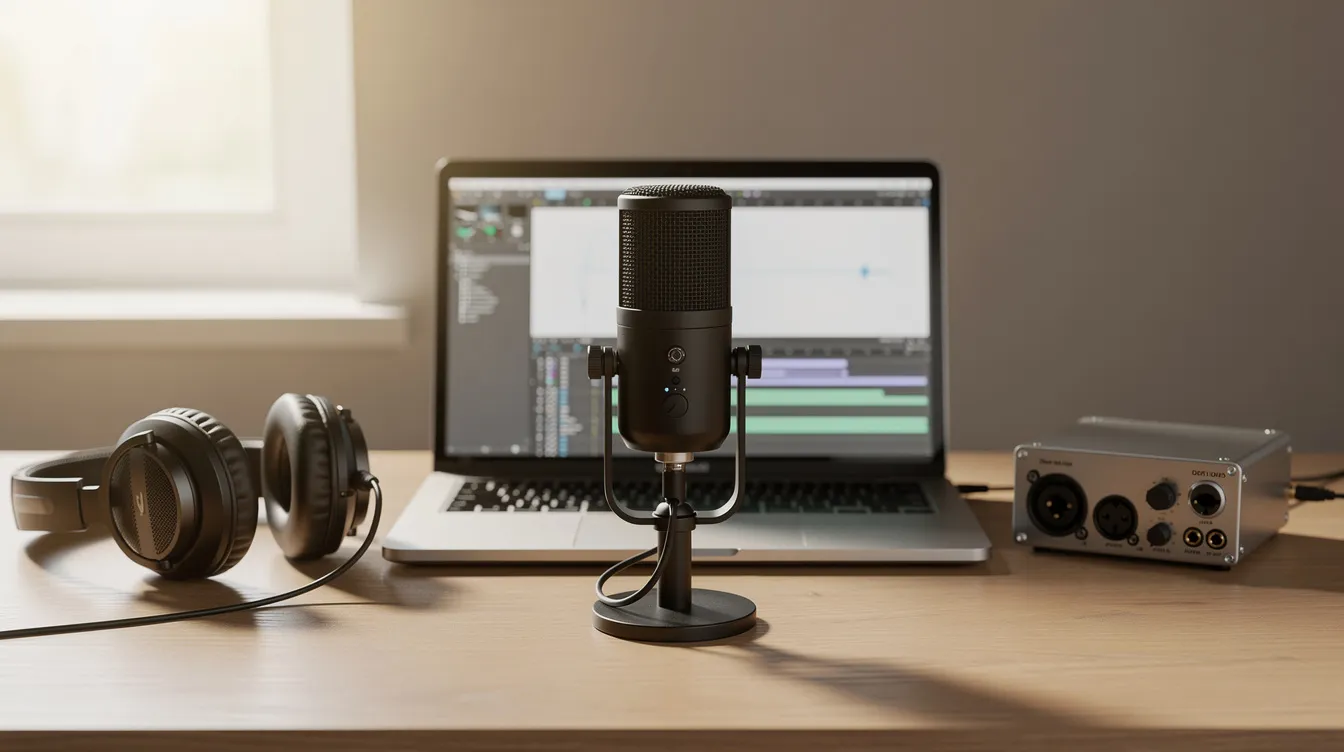
- One or two USB or XLR microphones (for example, the Audio-Technica ATR2100x or Shure SM58 – both durable and forgiving in untreated rooms).
- Closed-back headphones like the Sony MDR-7506 for monitoring without feedback.
- A basic audio interface such as the Focusrite Scarlett 2i2, needed only if you use XLR mics.
- A computer (laptop or desktop PC) with a stable internet connection, since internet radio requires one for streaming.
Optional extras that add polish: a small mixer with mute buttons, boom arms or mic stands, pop filters to tame plosives, and a simple “On Air” light outside the door.
For acoustic treatment, thick curtains across windows, a rug on the floor, and a bookshelf against a bare wall will reduce echo far more cheaply than professional foam. Place soft furnishings behind the speakers and between parallel hard surfaces.
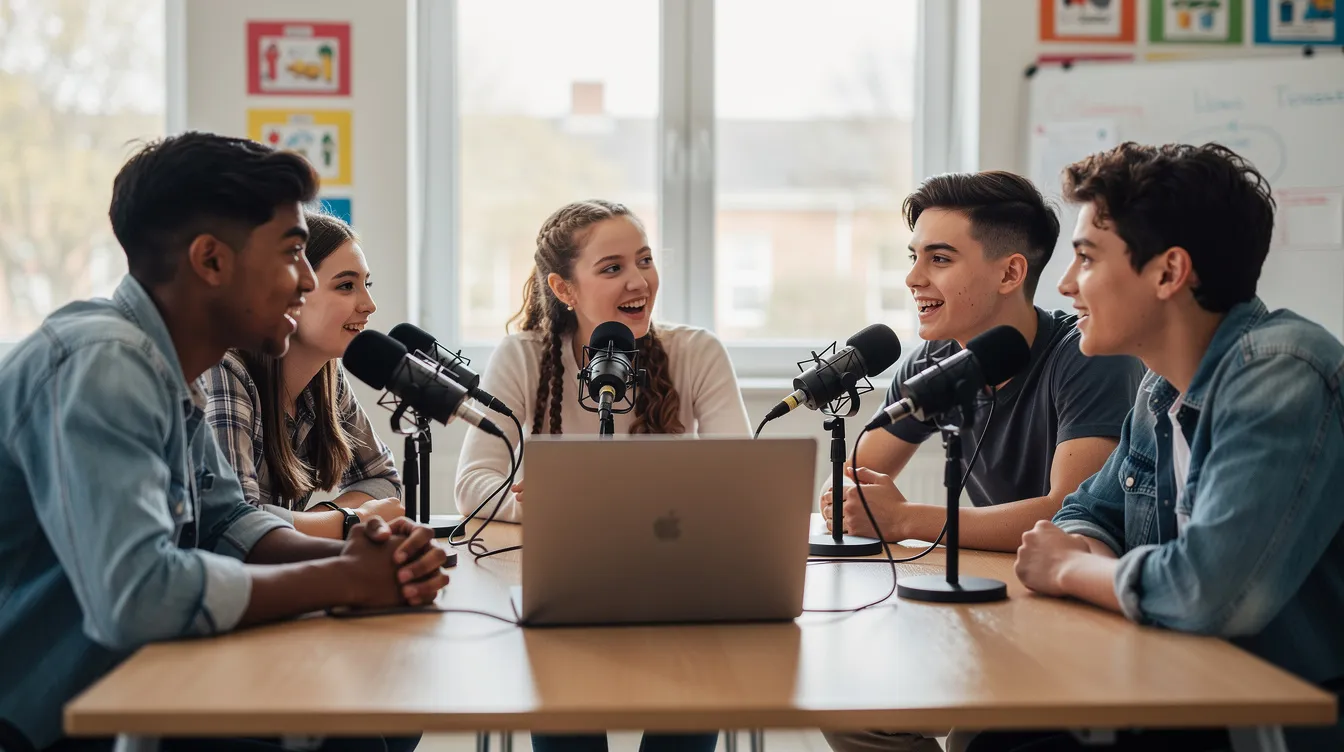
Set up a table with mics facing each other, the computer screen visible to both host and co-host, and cables taped down to prevent tripping. Schools with limited space can run a mobile studio from a laptop bag, using any quiet room and connecting over Wi-Fi or wired network.
Software and Streaming: Getting Your Signal Online
There is an important difference between a PA announcement heard only in the hallway and a true online radio station that anyone can listen to on the web. An internet radio station sends your audio out to the world.
The basic signal chain works like this: microphone goes into your computer or mixer, encoding and streaming software picks up that audio and sends it to your radio hosting platform at Zeno.FM, and from there listeners can tune in on phones, laptops, or smart speakers.
Any standard broadcasting software can send your audio to Zeno.FM, and most radio station software handles common formats such as MP3 and WAV without extra setup. There are also free radio automation tools, plus cartwall and audio routing utilities that help you cue sound effects and music beds during a live show.
To connect your software to Zeno.FM, enter the server URL, port, and stream key from your broadcaster dashboard, then start your stream for live shows and stop it when you are done. If this is your first time, see our guide to setting up your first stream.
For unattended hours, use Zeno.FM’s AutoDJ to upload a playlist of music, station IDs, and pre-recorded shows that play automatically when no one is live. Test your live streaming setup on different devices and networks around the school – lab computers, phones on guest Wi-Fi – to confirm stable audio and correct metadata.
Zeno.FM can also help convert live segments into on-demand podcasts using AI tools, so students who miss the live broadcast can still access the content later.
Music and Licensing: Staying on the Right Side of the Law
Music and spoken content are subject to copyright. Licensing is required for playing commercial music in school broadcasts, and schools must follow their country’s rules before streaming.
Public performance rights are typically managed by performing rights organizations, or PROs. Requirements differ depending on whether a station is classified as educational or commercial. In the United States, ASCAP, BMI, and SESAC handle rights for musical works, while SoundExchange manages certain digital sound recording rights. This list is not exhaustive, and other countries have their own bodies.
A few things to keep in mind:
- Some schools already hold blanket licenses for events or performances; check whether those cover an internet radio station or if a separate license is needed.
- Music licensing for an in-person event does not always extend to a school radio station streaming online, so confirm the scope of each agreement.
- Content quota rules exist in some countries (for example, Canadian content requirements administered by the CRTC). Confirm what applies to your station.
- Operating without the proper licenses carries real legal risk.
Content approaches that reduce complexity include using student-composed music, royalty-free libraries, or tracks with clear licenses. This article is not legal advice. You must confirm your specific obligations with local licensing bodies, school administration, or legal counsel before you go live.
Programming Ideas Tailored to a School Audience
Radio programming is the heart of your station. It is what turns an empty stream into a living part of school culture. Schools can create engaging content by featuring news, interviews, and music produced by students themselves.
Show ideas to get you started:
- Live morning announcements with the day’s schedule, shout-outs, and quick headlines.
- Weekly sports coverage: pre-game discussion, live commentary or recorded recaps, coach and player interviews.
- Club spotlights where each group gets ten minutes to discuss what they do and invite new members.
- Language practice programs produced with foreign language classes.
- New-student orientation features that introduce school traditions, key staff, and campus areas.
- Mystery-style storytelling segments (fictional, student-written, and school-appropriate).
- Request hours where listeners submit song choices via email or a simple form.
- Decade-themed music blocks: 80s pop, 90s alternative, 2000s rock, or jazz from any era – an easy way to run a themed radio station block without extra production.
For exam weeks, try calm study blocks with quiet music and revision tips, or short subject explainers produced with the math or science department. A “teacher office hour on air” Q&A session can help students review material in a fresh format.
Encourage students to pre-record some programs using simple editing software. Upload finished episodes to AutoDJ so they air at consistent times, giving the schedule a professional feel even when hosts are busy. If one of your students wants to take their radio show further, here are tools for building a DJ show on a budget.
Running the Station All Year: Automation and Handover
The academic calendar is the biggest threat to continuity. Students have exams, holidays, and eventually graduate. But your school radio station should keep going.
Use radio automation and AutoDJ to cover unattended hours, weekends, and breaks. Upload a rotating playlist of music, station IDs, pre-recorded shows, and best-of segments so the stream never goes silent. Zeno.FM’s premium plans offer higher track limits and additional features as your library grows, and you can review options on the pricing page.
Create simple written workflows and store them in a shared cloud folder:
- How to log in to the streaming dashboard.
- How to start and stop a live show.
- How to upload new tracks and manage the playlist.
- Where to save backups and how to track episode history.
Build a station handbook that includes roles, content policies, schedules, and a troubleshooting checklist. Keep passwords in a secure school-managed system, not on sticky notes.
For succession, have current leaders train the next cohort at the end of each school year. Run overlap shows together and formally hand over responsibilities. Once per term, review audio quality, programming balance, and listener feedback, then adjust the schedule accordingly.
Bringing a Little Hawkins Spirit to Your Station Culture
Part of the appeal of an 80s radio station in popular culture – from shows like Stranger Things to old films – is the sense of friendship, curiosity, and DIY problem-solving. You can bring that same spirit to your station without copying anyone else’s work.
Ideas to build your own identity:
- Choose fun call letters and a memorable slogan (your own version of “The Squawk”).
- Record signature sound effects and intro jingles created by students.
- Start a weekly mystery or storytelling segment written by the creative writing class.
- Rotate a “first-timer” host chair so new presenters get heard every week.
- Run a Friday open mic show for safe, school-approved performances or spoken word.
Balance in-jokes with accessibility. Keep references light so new listeners from outside your friend group still feel welcome. And never use copyrighted logos or audio from TV shows or films. Create original artwork and sounds that reflect your school’s own clubs, teams, and culture.
The more the station reflects students’ genuine voice and ideas, the more likely it is to survive changes in classes and trends.
FAQ: Common Questions About Starting a School Radio Station
Here are answers to the questions teachers and students ask most often before they launch.
How do I start a school radio station with no budget? Borrow a quiet room and use existing school computers. Pick up one or two affordable USB mics, and use Zeno.FM’s free plan to stream. You can have a working station without spending more than the cost of a pair of headphones.
Do I need a license to run an online school radio station? Copyright and performance rights requirements vary by country and by whether your station qualifies as educational. In the US, organizations like ASCAP, BMI, and SoundExchange are a starting point. Check with your school leadership and local licensing bodies before you broadcast.
What equipment do I need for a simple student radio station? At minimum: a computer, one or two microphones, headphones, stable internet, and a quiet room. An audio interface is only necessary if you choose XLR mics. That core setup is enough to get your signal online and start building an audience.
Can students manage a radio station by themselves? Day-to-day hosting and production can absolutely be student-led. However, you need an adult advisor, clear rules, and proper training. The advisor does not need to be in the room for every show, but they should be reachable and able to review recorded broadcasts.
How can our station get listeners beyond the school? Share your stream link on the school website, in newsletters, and on social media. Mention it at events. Consistent scheduling matters – when people know a show airs at the same hour each week, they come back. Your own mobile app also makes the station easier to find.
A school radio station does not need to be perfect on day one. It just needs to exist. If the idea appeals to you, the simplest next step is to create a free station on Zeno.FM and see how your students respond. There is no obligation to scale up unless it works for your school.
July 24, 2026