How to Start a DJ Online Radio Show on a Budget (With Just a Laptop, Controller & Zeno.FM)
You can start a dj online radio show this week. Not next month. Not after you save up for studio monitors or a four-channel mixer. This week – with the laptop on your desk, an entry-level controller, a pair of headphones, and a streaming platform that handles the rest. This guide walks you through every step: the gear, the software, the station setup, and the habits that turn a bedroom DJ into a broadcaster with listeners around the world.
Why a DJ Online Radio Show Is the Smartest Move You Can Make in 2026
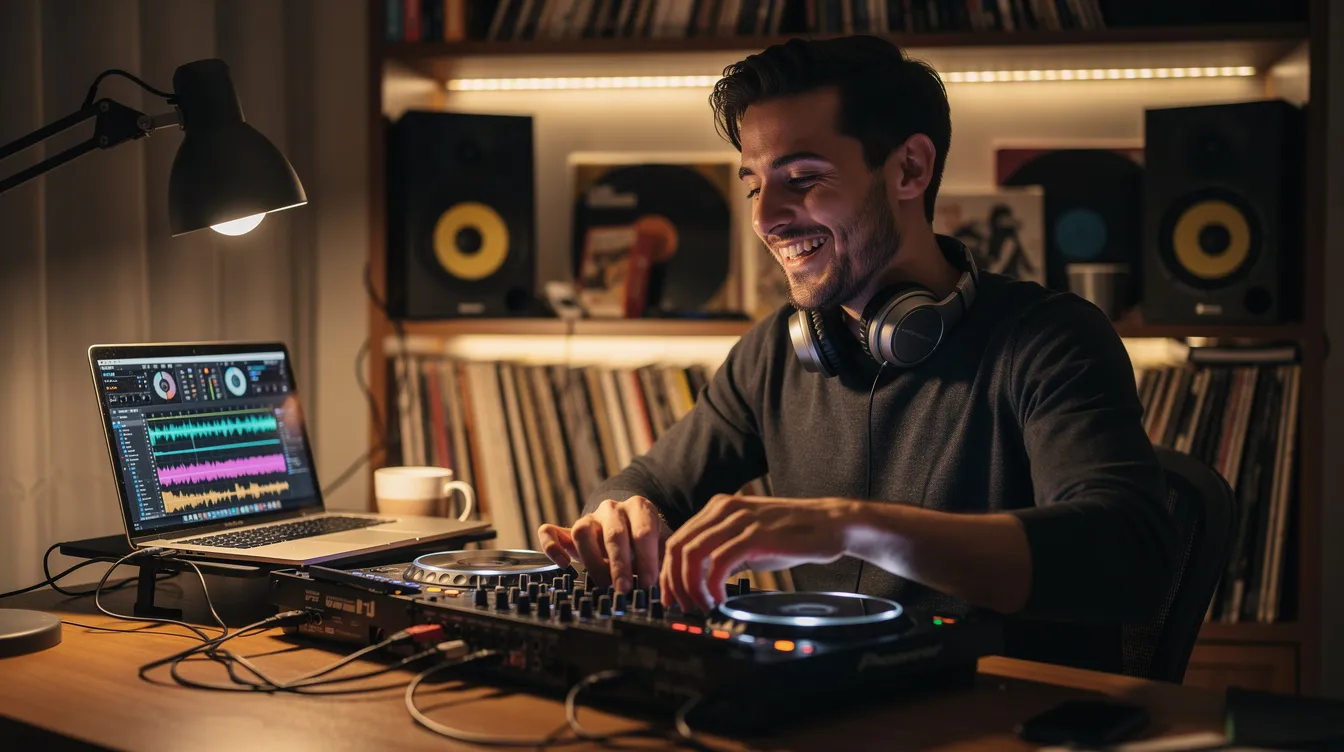
Local gigs are great, but a Friday night set at a bar reaches maybe 200 people. A dj online radio show reaches anyone with a phone, a computer, or a connected speaker – and that audience is massive. According to the 2026 Infinite Dial Report, roughly 81% of Americans (about 233 million people) now listen to some form of digital audio monthly. Globally, listeners can access radio stations via streaming from virtually anywhere, and over 60,000 radio stations are available online. Web radio offers a wider variety of programs than FM, which means niche genres thrive.
A regular show doubles as a practice arena. You’re mixing live, managing transitions, reading energy through chat and stats – all without paying venue costs. Over time, those archived episodes become a public portfolio. Promoters, labels, and event organizers can hear exactly what you do before booking you for gigs.
Even monetization starts earlier than you’d think: audio advertising, sponsorships, listener donations, and affiliate links are all on the table. But at the beginning, the real value is building an audience and sharpening your skills in front of real listeners. Platforms like Twitch are popular for live video-based DJ performances, but internet radio stations let you focus purely on the music and the mix – which is where most DJs actually grow fastest.
The Essential Budget Setup: What You Actually Need (and Nothing You Don’t)
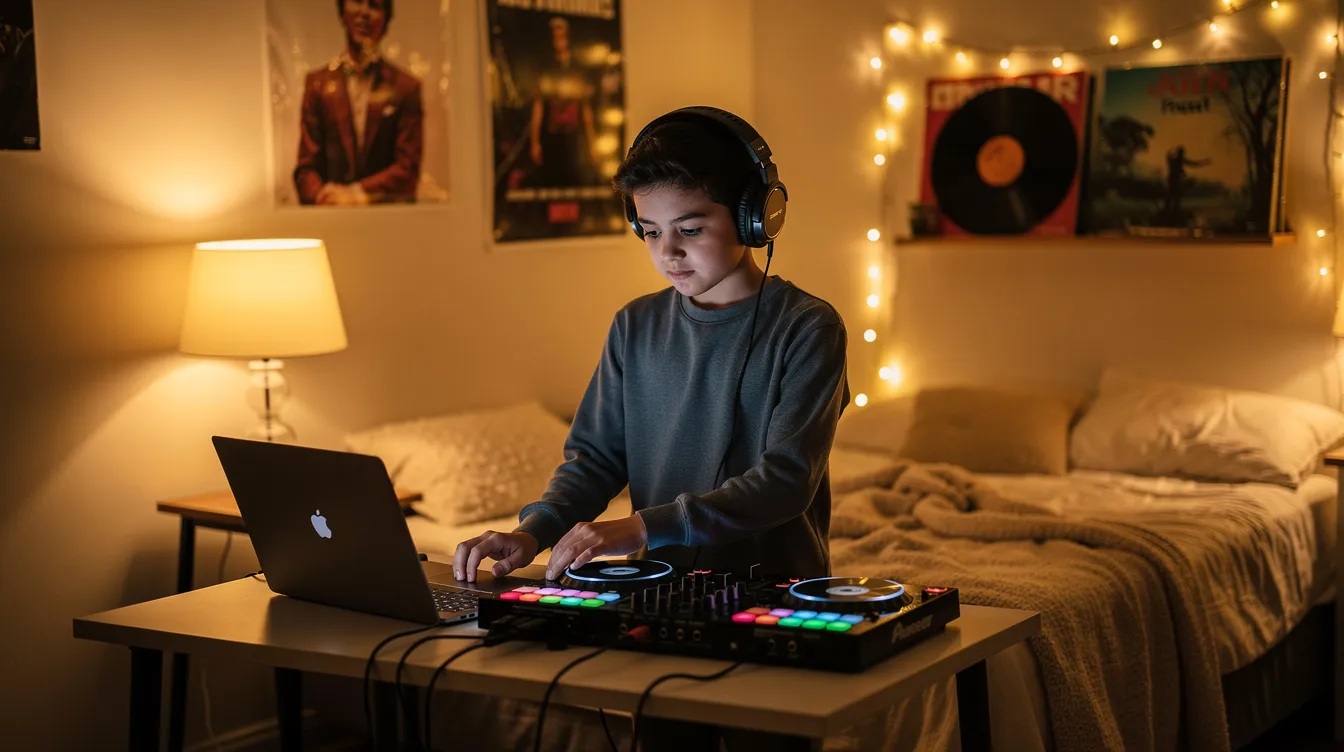
You do not need a professional studio. Here’s the complete list of essential dj equipment for your first show:
- Laptop or desktop computer: Dual-core CPU (Intel i3, AMD Ryzen 3, or Apple equivalent), 8 GB RAM minimum, SSD preferred for fast track loading, USB ports. Windows 10/11 or macOS 12+ both work fine. The machine you use for browsing and music production homework will likely handle this.
- Budget DJ controller: With a built-in audio interface (so you don’t need a separate sound card). More on this in the next section.
- Headphones: DJ headphones should have a closed-back design for sound isolation. Wired, comfortable, flat-ish response. No need for expensive studio cans on day one – upgrade later when your room setup and show demand it.
- Microphone: A USB mic like the Audio-Technica AT2020USB is plug-and-play. If you want more control over vocals and vocal tone, an XLR mic with a small audio interface (Focusrite Scarlett Solo, Behringer UMC22) gives better results but adds cost.
- Stable internet: Internet radio requires an internet connection for streaming, and you’ll want at least 5 Mbps upload speed. Use wired Ethernet whenever possible – wi fi can introduce dropouts and latency that ruin a live set. If you’re stuck on wi fi, sit close to the router and minimize interference.
A pop filter for your mic, a quiet room, and a glass of water round out the setup. That’s it. No rack gear, no bluetooth speakers (latency makes them unusable for monitoring), no fancy hardware. Internet radio can be received on smartphones and computers, so your listeners are already equipped.
For a deeper dive into broadcast-ready gear, check out these technical tips and gear recommendations for radio broadcasters.
Choosing a Budget DJ Controller: Honest Recommendations by Price
For a dj online radio show, your mixing skills and track selection matter far more than the price tag on your dj gear. All DJ controllers connect to laptops via USB for digital mixing, so the differences come down to features, feel, and software compatibility. Here are honest picks:
| Controller | Price (approx.) | Best For | Key Strengths |
|---|---|---|---|
| Hercules DJControl Inpulse 200 MK2 | ~$99–$149 | Absolute beginners on a tight budget | Beatmatch Guide LEDs, 8 pads per deck, compact layout, USB powered |
| Pioneer DDJ-FLX2 | ~$179–$189 | Budget-conscious DJs who want Pioneer’s layout | Smart CFX/Smart Fader, USB-C, lightweight, works with rekordbox and Serato DJ Lite |
| Numark Mixtrack Platinum FX | ~$249–$279 | DJs who love scratching and performance | Large jog wheels with LCD displays, paddle FX triggers, four-deck capable |
| Pioneer DDJ-FLX4 | ~$299–$329 | Best all-round beginner choice | Club-style layout, Smart Fader, integrated sound card, RCA master out, works with rekordbox and Serato DJ Lite |
The Hercules Inpulse 200 MK2 is the cheapest way to start djing – its LED light guides literally teach you when to mix. The trade-off: smaller jog wheels and only two-band EQ. The DDJ-FLX4 is the one most DJs graduate to (or start with if budget allows) because its layout mirrors club-standard gear.
You might dream of a Technics SL-1210 MK7 turntable or a Pioneer DJ XDJ-RR all-in-one system, but those are future upgrades. Right now, pick based on your software preference and desk space, not brand hype. Any of these controllers is capable of delivering a professional-sounding radio show.
DJ Software Basics: rekordbox, Serato DJ Lite, VirtualDJ & How Audio Reaches Your Station
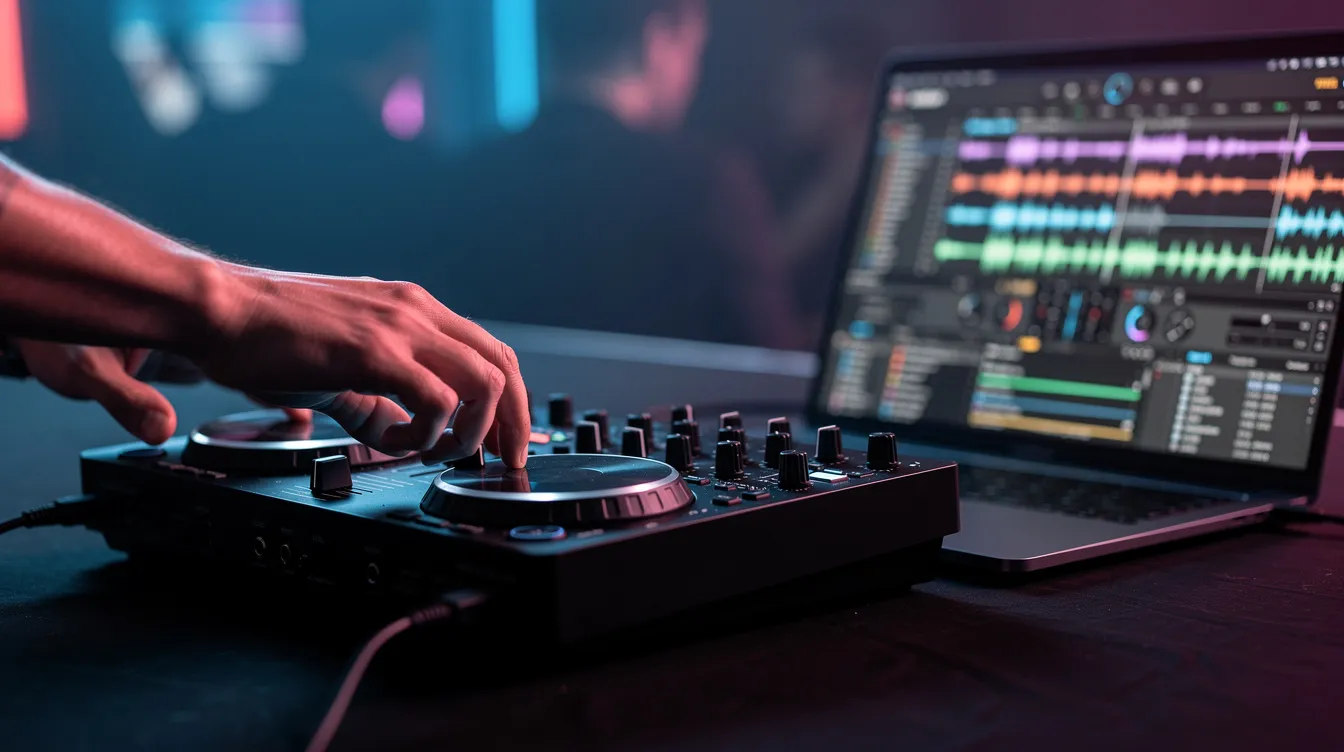
Your dj software is where you load tracks, set hot cues, create loops, adjust bpm, apply FX, and manage transitions. Here’s what you need to know about each option:
Rekordbox is tightly integrated with Pioneer controllers. The free tier handles two-deck mixing, beat grids, playlists, and cue points. Rekordbox software allows DJs to organize and prepare music efficiently – you can manage your entire rekordbox library, tag tracks by key and genre, and even export playlists to a usb stick for club use later. Cloud sync features let you move between devices without re-analyzing your collection.
Serato DJ Lite comes free with many controllers including the DDJ-FLX4 and Inpulse 200 MK2. The interface is clean: two decks, beat grids, basic FX pads. It’s enough to perform a polished show. Upgrading to Serato DJ Pro unlocks four decks, advanced FX, and deeper functionality, but it’s not necessary at the start.
VirtualDJ stands out for built-in broadcasting features, real-time stem separation (isolating vocals, drums, bass, and melody), and support for over 300 controllers. The catch: to broadcast to an Icecast or Shoutcast server, you need a Pro or Pro Infinity license. The free version restricts broadcasting.
How audio reaches your station – the signal flow is simpler than it sounds:
- Songs play in your dj software
- Audio exits through your controller’s master output (built-in sound card)
- A broadcast encoder on your computer captures that audio
- The encoder sends the stream to your Zeno.FM station
- Listeners hear it on web players, mobile apps, and connected devices worldwide
Keep your levels out of the red in both software and on the controller. Digital clipping sounds harsh over a stream and there’s no engineer at the other end to fix it.
Setting Up Your First Online Radio Station on Zeno.FM
Zeno.FM lets you create an online radio station in minutes. The platform delivers audio content to over 40 million listeners monthly and serves broadcasters in more than 100 countries – so your show has global reach from day one. Independent and professional broadcasters seek affordable platforms for global audio distribution, and this is exactly what Zeno.FM was built for.
Here’s the setup flow:
- Sign up: Visit Zeno.FM and create a free account.
- Create your station: In Dashboard → Create Station, choose a name (e.g., “Midnight House Sessions”), select your primary music genres, and set your language.
- Upload branding: Add a logo or cover image that represents your sound.
- Configure settings: Set your time zone for scheduling, write a description that tells listeners what to expect (“Deep house and soulful beats, live every Thursday at 9 PM”), and add your social media links.
- Set up AutoDJ: Upload a starter playlist so your station runs 24/7 even when you’re not live. AutoDJ automates radio programming schedules and keeps your stream active – new listeners always have something to discover when they land on your page. Here’s how to set up Auto DJ.
Zeno.FM provides a unique stream URL and an embeddable web player you can drop into your website or Linktree. The platform also provides custom mobile apps for audio distribution, so listeners can tune in from their phone’s home screen. Radio automation helps manage broadcasts efficiently, meaning you spend less time on tech and more time on music. Radio.net provides access to over 15,300 public and private radio stations, but having your own station means you control the programming, the brand, and the audience relationship.
Connecting Your DJ Controller to a Broadcast Encoder (BUTT, Mixxx, VirtualDJ)
A broadcast encoder is a small app that takes audio from your controller and sends it in real time to your Zeno.FM station. Think of it as the bridge between your mixer and the world.
If your controller has a built-in audio interface (most budget controllers do), set your encoder’s input to the controller’s master or record output. Here are three ways to connect:
BUTT (Broadcast Using This Tool) – Free, lightweight, does one thing well:
- Download BUTT and open it
- Under Settings → Audio, select your controller’s audio output as the input device
- Under Settings → Server, enter the details from your Zeno.FM station panel: server URL, port, and password
- Choose MP3 encoding at 128 kbps (matches the Starter plan stream quality)
- Click “Connect” – you’re live
Zeno.FM has a complete walkthrough for how to set up BUTT with their platform.
Mixxx – Free, open-source dj software with built-in streaming:
- Configure your deck outputs to route through your controller
- In Preferences → Live Broadcasting, enter your Zeno.FM Icecast/Shoutcast server settings
- Mixxx handles decks, effects, and broadcasting in one window – no extra encoder needed
VirtualDJ – Built-in broadcast under Settings → Broadcast → Radio Server:
- Enter your Zeno.FM Icecast/Shoutcast credentials
- Remember: broadcasting requires a paid VirtualDJ license
Before your first official show, run a 5–10 minute private test stream. Check stereo balance (left and right channels equal), watch for distortion, and confirm your stream appears in the Zeno.FM dashboard. This one step saves you from embarrassing audio issues on launch night. For more encoder options, explore these powerful tools for live radio broadcasting.
Designing Your Show Format: From Music Genres to Mic Style
A clear show concept helps you stand out among thousands of radio stations and mixes online. Think about what makes your sound distinctive – your genre focus, your energy, your personality on the mic.
Pick one or two core genres per show. Deep house and soulful house on Mondays. Drum and bass on Fridays. This predictability builds loyalty. Look at successful formats for inspiration: Group Therapy is a long-running show focused on melodic electronic music and trance, while Rinse FM originated as a pirate radio station and built a massive following by focusing on UK dance music. NTS Radio features expert DJs playing underground music genres, and BBC Radio 6 Music is recognized for its innovative and eclectic programming. DI.FM offers 24/7 electronic music channels with professionally curated content. Amazing Radio showcases new unsigned artists across multiple genres. You don’t need to copy them – but notice how each has a clear identity.
Structure a typical show (60 or 90 minutes):
- Intro track + spoken welcome
- 2–3 track mini-mixes with smooth transitions
- Mid-show breather: a slower or experimental track, maybe a listener shout-out
- High-energy run toward the end
- Chilled closer or outro
Mic style is personal. Some DJs play mostly music with short IDs (“You’re listening to Midnight Sessions on Zeno.FM”). Others offer commentary about the artists or take a more creative, talk-heavy approach. Even minimal talking builds connection – it’s what separates your show from a random playlist. Unlike a true crime podcast that’s all narrative, your show is about the music first, with your voice as the thread.
Over time, experiment with themed episodes – label spotlights, a vinyl-only hour, listener request nights – to keep regulars engaged and give new listeners a reason to subscribe.
Branding Your DJ Online Radio Show Like a Real Station
Consistent branding makes even a bedroom dj show feel like a professional station. It’s the difference between “some guy streaming” and a show people remember and return to.
- Show name: Pick something tied to your sound or time slot – “Afterhours Garage,” “Sunrise Lo-Fi Sessions,” “Weekend Heat.” Check Instagram, TikTok, and other platforms for handle availability before you commit.
- Cover art: Use Canva or similar free tools. Include your show name, DJ name, primary genres, and your Zeno.FM station URL. Keep colors and fonts consistent across every platform.
- Station IDs and jingles: Record short 5–10 second clips – your show name over a genre-appropriate music bed. Save these as separate audio files so you can trigger them between tracks using performance pads or your sampler. This small detail makes your show sound polished and fun.
- Cross-platform consistency: Your branding should look and feel the same on Zeno.FM, social media profiles, and any podcast feeds you create from recorded shows. Same logo, same tone, same energy.
You don’t need a graphic designer or a voice-over artist. You need consistency and a clear identity that tells a new listener exactly what to expect when they hit play.
Going Live: Step-by-Step Checklist for Your First Broadcast
Your first broadcast doesn’t need to be perfect. It needs to happen. Follow this checklist:
Pre-show (30–60 minutes before):
- [ ] Turn on laptop, connect controller via USB, plug in headphones
- [ ] Open your dj software, load your warm-up playlist and first 10 tracks
- [ ] Check controller master output level and headphone cue – play a track, confirm sound in both
- [ ] Open your broadcast encoder (BUTT, Mixxx, or VirtualDJ), enter Zeno.FM server URL, port, and password
- [ ] Confirm the connection shows “live” in your Zeno.FM dashboard
- [ ] Do a mic test: play a quiet track, speak over it, watch input meters, adjust gain so your voice is clear without clipping
- [ ] Post on Instagram/TikTok with exact start time and a direct link to your station page – let people know where to listen
During the show:
- [ ] Keep water nearby
- [ ] Have a backup playlist loaded in case of technical issues
- [ ] Avoid long silences – if something breaks, trigger a filler track or let AutoDJ take over
- [ ] Engage with any chat or social media comments; shout out listeners and where they’re tuning in from
After the show:
- [ ] Stop the broadcast cleanly in your encoder
- [ ] Save the recorded file (if your plan supports show recordings)
- [ ] Check Zeno.FM stats: how many listeners tuned in, peak concurrent count, which countries they came from
- [ ] Post a recap or highlight clip on social media with the stream link for anyone who missed it
Music Licensing Basics for DJ Online Radio Shows
Playing commercial songs on an online radio station involves music licensing and royalties. This isn’t meant to scare you – it’s meant to keep you informed and protect both you and the artists.
Here’s the landscape:
- Your own productions and edits: No licensing issues. Play them freely and use your show to premiere original music production work.
- Independent artists who grant permission: Many independent producers are happy to have their tracks played on internet radio stations. Reach out, get written permission, and you’re covered.
- Royalty-free music libraries: Services that provide pre-cleared tracks for broadcasting. Safe and simple.
- Commercial releases from major labels: These typically require licenses from collecting societies (ASCAP, BMI, SESAC in the U.S.; PRS in the UK, and equivalents elsewhere). Rules vary by country.
Zeno.FM includes royalties reporting tools in its plans to help you stay compliant. For detailed guidance, read Zeno.FM’s internet radio licensing guide and their music licensing guide for broadcasters.
Practical tip: Keep a simple playlist log for every show – date, time, artist name, track title, version. This makes reporting straightforward if a collecting society ever requires it. Even when the technical side of broadcasting is easy, respecting artists and rights-holders protects your station’s future.
Growing Your Audience: Promotion, Consistency & Community
The three biggest growth levers are consistency, discoverability, and community interaction.
Consistency means picking a fixed weekly schedule and sticking to it. Every Thursday at 8 PM. Every Sunday morning. Whatever fits your life – but make it predictable so listeners build a habit. Add the schedule to your Zeno.FM station description so anyone who lands on your page knows when to tune in.
Promotion doesn’t require a marketing budget:
- Post show times and recaps on Instagram and TikTok with short clips of your best transitions
- Share your Zeno.FM link in genre-specific communities on Discord and Reddit
- Collaborate with other DJs for guest mixes – cross-promotion introduces you to new listeners
- Mixcloud is a platform for legal streaming of DJ sets and radio shows, so consider uploading select mixes there for additional discovery
Analytics matter. Zeno.FM’s tools show you which shows, time slots, and genres attract the most listeners. Audio creators benefit from tools for monetization and audience analysis – use this data to double down on what works. Radio stations can monetize through advertising and sponsorships, and audio advertising is a key revenue source for online broadcasters. Independent radio stations often seek affordable monetization tools, and Zeno.FM offers exactly that through built-in advertising and monetization features.
Community engagement is your secret weapon. Shout-outs on air, reading chat comments, taking requests within your music policy, asking listeners where they’re tuned in from – these small acts turn casual listeners into loyal fans. Even 50 dedicated fans who show up every week is a strong foundation. Start a small Discord server or email list where fans get reminders, tracklists, and exclusive access to mixes.
From Live Show to On‑Demand: Turning Your Sets into Podcasts & Mix Archives
Not every listener can tune in live. People in different time zones, potential promoters, and fans who discover you months later all need a way to hear your best sets.
Recording your shows is simple:
- Most dj software has a built-in record function – hit record before you start, stop when you’re done
- Your broadcast encoder may also capture the stream as a local file
- Save shows as MP3 files named with the date and episode title (e.g., “2026-07-17_MidnightSessions_EP12.mp3”)
Repurpose strategically. Not every show needs to be archived. Pick your strongest performances and upload them as on-demand episodes on Zeno.FM. AI tools can transform live broadcasts into podcasts – Zeno.FM’s Podcast Bot automatically converts live radio content into podcast episodes and distributes them to platforms like Apple Podcasts and Spotify. This is how a single live show can reach listeners across multiple platforms without extra work.
Show notes and tracklists make a real difference. List every artist and track name, mention guests, and add relevant links. This helps with SEO and makes it easier for people to discover your show when searching for specific genres or artists. All-in-one DJ systems and advanced setups come later – right now, the workflow is: record → edit lightly if needed → upload → publish → share.
Your DJ Journey: Skill-Building, Upgrades & Long-Term Vision
Your first online radio shows won’t be flawless. You’ll have awkward transitions, a moment of dead air, maybe a track that doesn’t fit the energy. That’s completely normal – and it’s exactly how every working DJ started.
Build a practice routine:
- Record a 30-minute mix each week just for yourself
- Listen back critically: how were the transitions? Did the EQ blend feel right? Was the track selection cohesive?
- Focus on phrasing, energy flow, and reading the mood you’re building
Learn from others. Online DJ schools, YouTube channels like Crossfader and Ellaskins, and open-deck nights at local venues all accelerate growth. The skills you build on your radio show – reading a room through stats, managing energy over a full hour, performing under real-time pressure – transfer directly to club performance and festival sets.
Upgrade only when you’ve earned it. After a few months of consistent broadcasting, invest in better headphones, improved speakers for monitoring, or a higher-tier controller. All-in-one DJ systems combine controller, touchscreen, and streaming for a complete setup, but that’s a future purchase once you’ve switched from hobbyist to serious broadcaster.
Set medium-term goals:
- Reach 50 concurrent listeners within 6 months
- Land a guest mix on another Zeno.FM station
- Release an original track and premiere it live on your show
- Monetize through your first sponsorship or ad revenue
Zeno.FM delivers audio content to over 40 million listeners monthly across more than 100 countries. Your audience is out there, accessible through a browser, a mobile app, or a smart speaker. The only thing between you and your first broadcast is plugging in your controller, opening your station dashboard, and hitting “Connect.”
Don’t wait for perfect gear. Don’t wait for the perfect tracklist. Set up your Zeno.FM station, schedule your first show, and go live within the next seven days. A year from now, you’ll be glad you started this week.
July 13, 2026