Radio Imaging: Station IDs, Sweepers and Jingles for Small Stations
Radio imaging is the audio branding that sits between songs, shows, and segments on your station. It includes elements like jingles, sweepers, station IDs, music beds, and sound effects. Imaging is essential for both FM and internet radio stations because it turns a bare playlist into a recognizable broadcast with personality.
If you run a small online or community radio station, this guide is for you. By the end, you will be able to plan your own imaging, record or generate simple elements, and schedule them so your station sounds polished and consistent.
What Is Radio Imaging?
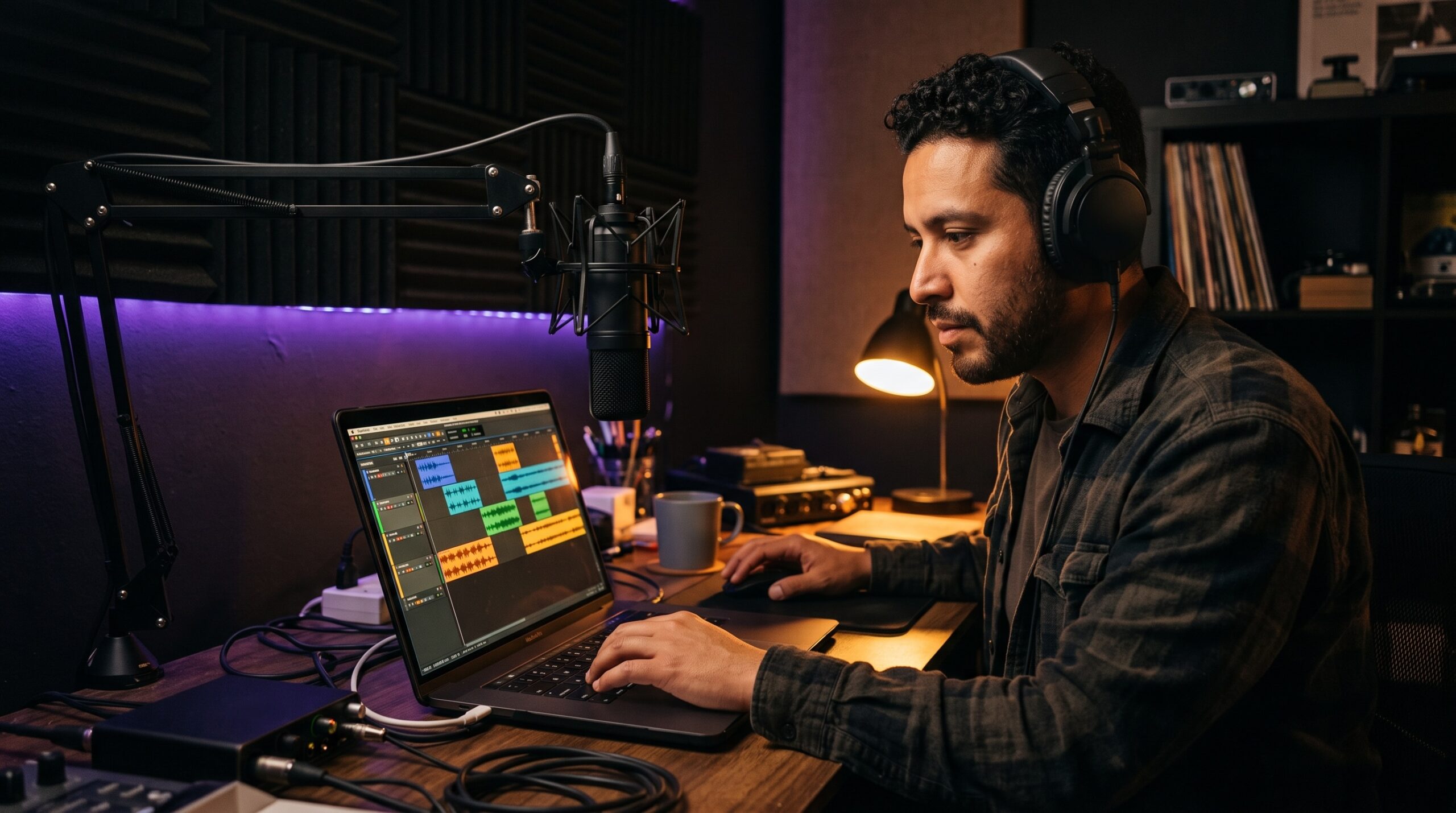
Radio imaging is also known as sonic branding. It is the collection of short audio pieces that identify and brand your radio station whenever listeners are tuned in between songs, talk breaks, and programming segments. Radio imaging includes station IDs, sweepers, and jingles, plus stingers, promos, and music beds that tie everything together.
Clear imaging allows listeners to know instantly which station they are hearing. Without it, your stream sounds like a generic playlist; with it, you have a signature sound that enables listeners to easily identify your station name, slogan, and format. Sonic branding creates instant recognition similar to a visual logo. Radio imaging also fills dead air and awkward pauses in broadcasts, and it combats dial fatigue during commercial break transitions. Effective imaging builds listener loyalty and brand identity, which is essential for branding in audio-only platforms. Even a station run by one person from a church office or spare bedroom can sound cohesive when a handful of well-placed imaging elements hold the programming together.
The Core Imaging Elements Your Station Needs
The table below breaks down the basic imaging elements your radio station should have, along with typical lengths and uses. Audio logos help listeners recognize a radio station instantly; each of these elements plays a role in that recognition.
| Element | Typical length | Where it plays | What it does |
|---|---|---|---|
| Station ID | 1–8 seconds | Between songs, top of hour, before shows | Names your station and call sign; anchors brand recall |
| Sweeper | 12–15 seconds, up to 30 words | Between songs or segment transitions | Bridges energy between tracks; keeps the music flow moving |
| Liner | 2–6 seconds | Under song intros or between segments | Reinforces station name, slogan, or format in a quick voiceover line |
| Jingle | 5–15 seconds | Between songs or opening a show | A short musical piece, often with sung jingles of the station name; acts as an audio logo |
| Stinger | 1–3 seconds, usually under seven words | Transitions, punctuation moments | A quick sound hit or voice accent that adds energy |
| Promo | 15–30 seconds | Before or after a commercial break, between segments | Advertises an upcoming show, event, or feature using voice over a music bed |
| Music bed | 5–30 seconds | Under voice segments, news, promos, talk formats | Instrumental tracks that enhance spoken segments without overshadowing the voice |
Both dry (voice-only) and produced (voice plus music and sound effects) elements can sound professional. Dry imaging is faster to create; produced imaging adds mood and energy through layered mix and transition effects. Imaging styles differ among formats such as Top 40, Rock, and Country. An adult contemporary station might use warm, mid-energy beds, while a rock station leans on punchy stingers and faster sweepers. Choose what fits your target audience and the personality of your station in a given market.
How to Create Radio Imaging on a Small Budget
Hiring experienced voice talent is crucial for effective imaging, and professional voice talent enhances the overall quality. But you do not need an expensive studio to get started. Most custom imaging from outside services is delivered within 10 to 14 business days; if you need imaging sooner, you can create your own.
Record Your Own Voice Elements
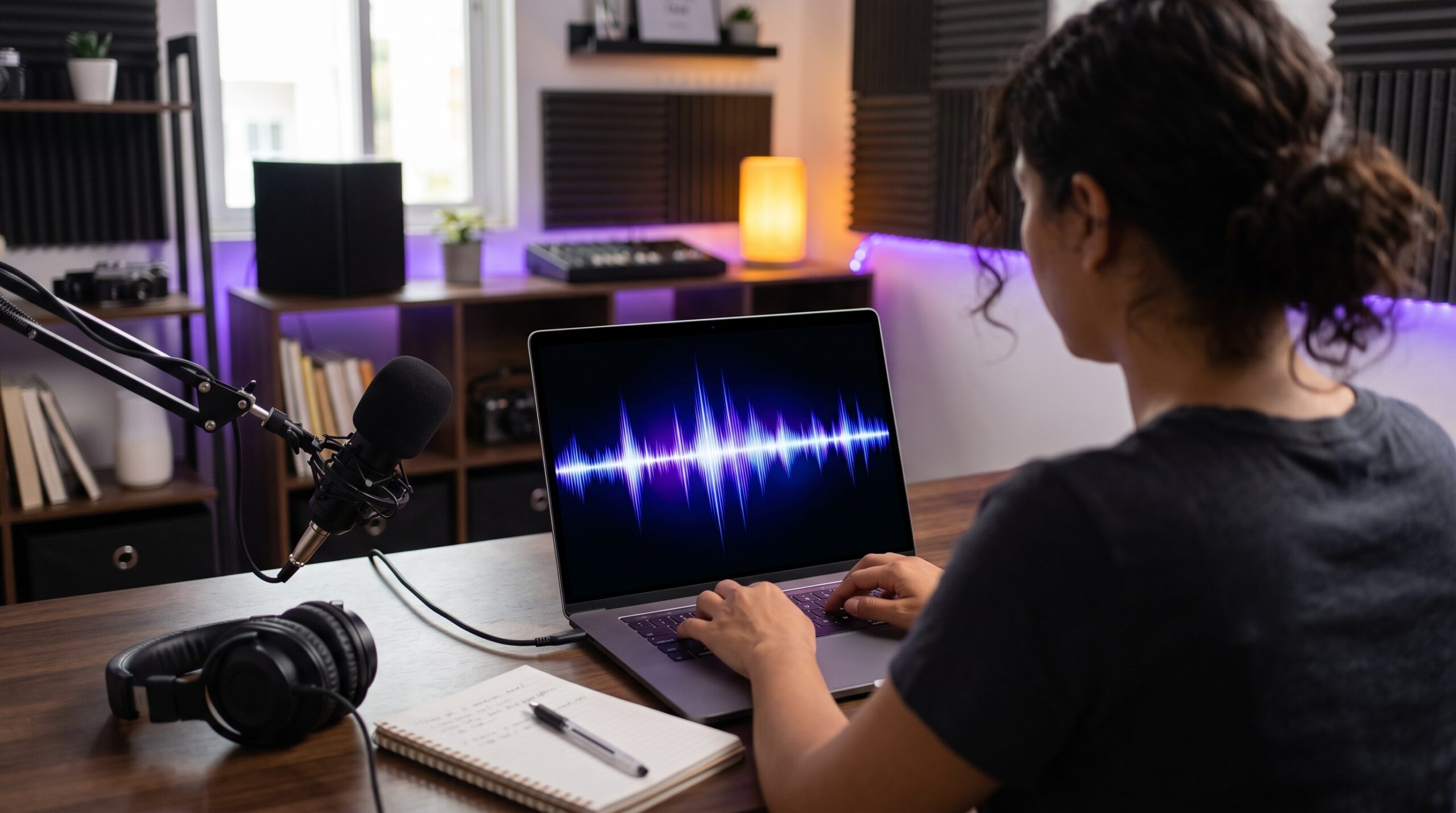
DIY imaging can be created using basic audio editing software. Find a quiet room, set up a decent microphone and headphones, and write short scripts that always include the station name and slogan. Professional voice talent reflects your station’s brand identity, so whether you use your own voice or a volunteer host, choose voice talent based on gender, tone, and energy, and make sure voice talent should match your target audience’s preferences.
Here are three sample script lines to get you started:
- Station ID: “You’re listening to Wave Radio; your home for the best mix.”
- Sweeper: “Wave Radio keeps the music going; stay tuned.”
- Promo tag: “Coming up this weekend on Wave Radio: two hours of listener requests. Don’t miss it.”
Keep audio levels consistent, avoid heavy processing, and leave space for music beds underneath the voice. Any background music or instrumental tracks must be royalty-free or properly licensed; read our music licensing guide before adding beds to your imaging.
Use AI Voices
AI voice tools help smaller stations sound polished, and AI can be a cost-effective solution for radio imaging. AI voice generators let you produce liners, station IDs, and short promos in multiple languages, which helps community and online radio stations serve diverse audiences. AI tools can generate voiceovers for station IDs in seconds, and AI music tools create royalty-free beds and stings to pair with those voices. Some services offer over 120 voices available for selection, so you can test different energy levels, accents, and styles before committing to a full imaging set.
- Never clone a real person’s voice without written consent. Always check the tool’s license terms for broadcast use on your radio station. AI-generated imaging requires human oversight for best results; review every script, tone, and final mix before it goes on air.
In our AI On Air webinar, we showed . Watch the replay:
How to Schedule Imaging Without Wearing It Out
Imaging works best when strategically placed around programming elements. Effective radio imaging requires strategic use of pacing and transitions, so you need separation logic: space out repeats of the same file by a set number of songs or minutes so the same voice piece does not play back-to-back.
Apply radio music rotation principles to your imaging. Many stations play a station ID at the top of each hour as a branding anchor. This is a common convention, not a legal requirement for internet radio. Rotate several versions of each element (for example, four to six station IDs and a handful of sweepers) so your stream sounds fresh while staying on-brand. A good imaging system includes variety without losing consistency.
Strong stations regularly review and update their imaging. Refresh a portion of your imaging periodically: swap in seasonal promos, retire sweepers that no longer fit, and record new IDs when your format or slogan changes. Radio voice tracking lets tracked shows include their own imaging or tags for a more polished sound. You can also automate your radio station to handle the scheduling for you.
Tag Your Imaging Files
Tag every imaging file with clean metadata so your player does not show “Unknown Artist” when a sweeper or ID plays on air. Set the station name as the Artist field and a clear description like “Station ID – Morning” or “Sweeper – Rock Mix” as the Title. Good Now Playing info keeps what listeners see consistent with what they hear, building brand familiarity across every stream and network.
FAQ
These three questions come up often when small radio stations start building their own imaging.
What is the difference between a sweeper and a jingle? A sweeper is a brief, usually spoken transition that bridges songs or segments. A jingle is a short musical piece, often sung, that highlights the station name or slogan. Both serve sonic branding but in different ways.
How often should a station ID play? Many stations play an ID around the top of each hour and sprinkle additional IDs between songs or segments. The best frequency balances clear identification with the listening experience so it never feels repetitive.
Can I use AI voices for radio imaging? Yes. AI voices work well for IDs, liners, and promos if the tool’s license permits broadcast use and you respect consent. Humans should still check script, tone, and mix before anything goes on air.
Closing
You now have the basics to build your own radio imaging. Watch the AI On Air webinar replay to see these ideas in action, then set up or improve your station with Zeno.FM’s radio automation to schedule imaging and music together. You can sound polished and distinctive without a big budget; the only requirement is consistency and a clear sense of who your audience is.
September 11, 2026