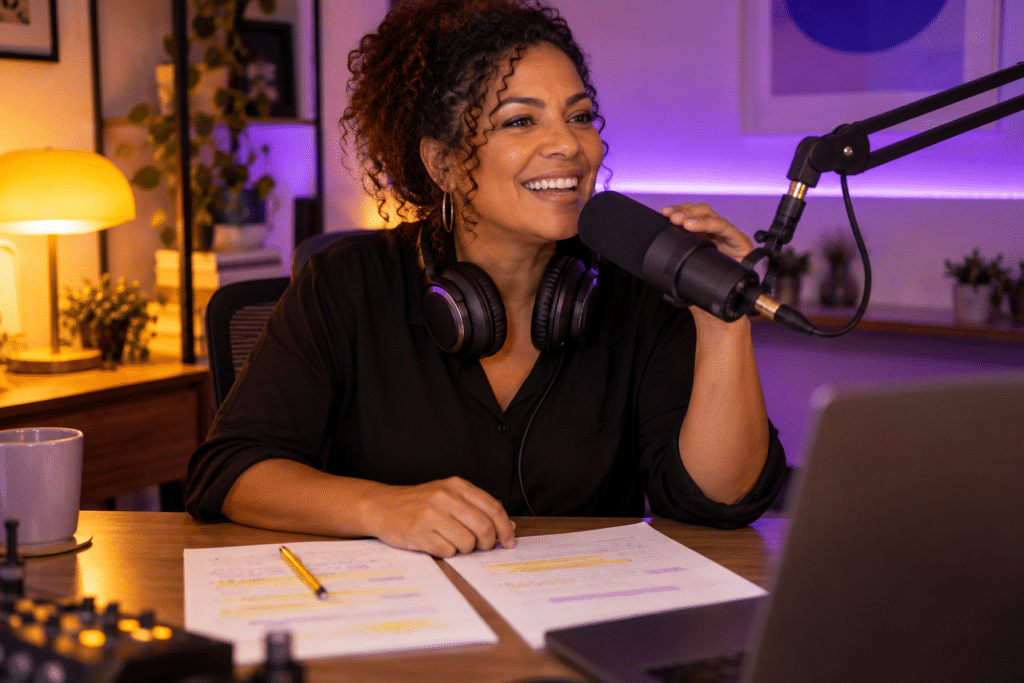
Radio Voice Tracking: Practical Guide for Small Online Radio Stations
What Is Radio Voice Tracking (and Why It Matters for Small Stations)
Radio voice tracking is the process of pre-recording your voice breaks-intros, outros, song links, station IDs, and promos-so automation can play them between songs while you are away from the mic. The result: your station sounds like a live show even when no person is sitting in front of a microphone. Voice tracking allows presenters to pre-record speech segments and schedule them for playback at the right moments, giving listeners the impression that someone is present and engaged.
Independent and community radio stations rely on voice tracking to maintain a 24/7 presence without live operators. It is commonly used for overnight and weekend programming, when volunteers are unavailable or when a one-person operation simply cannot be on air around the clock. A church station, for example, might have a weekend host record Sunday morning links-scripture readings, announcements, hymn intros-on Friday evening. When Sunday arrives, everything plays in sequence as though the host is live. A hobby station operator could record voice breaks for 06:00, 14:00, and 22:00, covering three dayparts in a single session without spending the entire day at a computer.
Voice tracking once earned a bad reputation. Cheap-sounding, generic breaks made most people feel the station was impersonal and disconnected. Listeners may perceive a lack of immediacy and reduced personal engagement when voice tracks are poorly produced. But well-crafted tracking-recorded in a clean acoustic space, delivered with genuine energy, and filled with local or relevant content-can feel as personal as live radio. The technology itself is not the problem; the effort behind it is what matters.
Zeno.FM and its built-in AzuraCast automation can support this style of operation. You do not need to be on air every hour of every day to sound like you are. The sections that follow walk you through exactly how to make that happen.
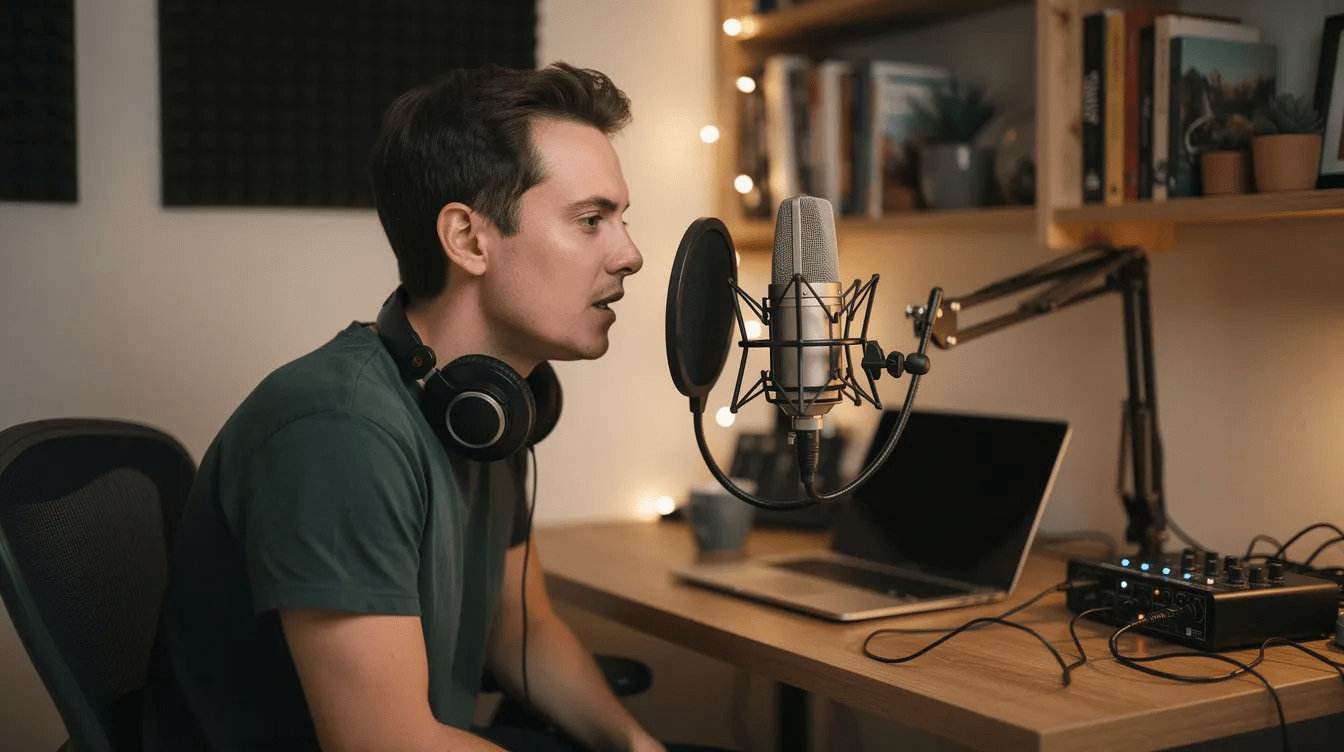
How Radio Voice Tracking Works in Plain Language
The core workflow is simple: record your voice breaks, upload them, schedule them into your playlist, and let automation handle playback between songs.
You are working with three building blocks. First, individual audio files-each one a single voice track covering what you want to say between two songs. Second, a playlist or clock that defines the order of music, IDs, promos, and talk breaks for a given hour. Third, an automation system that fires each element in sequence. The automation systems allow for precise timing in the playback of segments and songs, so the listener hears a seamless hour of programming.
A typical hour log might sound like this: song, short station sweeper, voice track linking the previous song to the next, another song, a promo or ad break, a station ID, one more voice track, then more music. To the average listener, this creates the illusion of a live show. Voice tracking integrates pre-recorded speech into live broadcasts so smoothly that few people can tell the difference.
Your role as the voice tracker is to focus on content and performance-what you say, how you say it, and what material you reference. The software handles timing and playback. Think of yourself as the talent and the automation as your board operator who never calls in sick. Internet radio stations on Zeno.FM can combine live inputs, pre-recorded shows, and voice-tracked segments within one schedule, so you can mix formats throughout your week.
Core Benefits of Voice Tracking for Online Radio Stations
Voice tracking delivers three core advantages for small teams: it saves time, it creates consistency, and it gives you flexibility you cannot get any other way.
A one-person station can sound hosted at multiple hours of the day without the operator being at the mic all day. Voice tracking reduces labor costs for radio stations because you batch your recording into a single session and let automation do the rest. You record when you have energy and focus, then let the software air your breaks when you are sleeping, working, or spending time with family.
Specific use cases make the value concrete:
- Churches pre-recording mid-week devotionals so they air smoothly even when leaders are traveling
- Hobby stations covering overnights when no one is awake to broadcast
- Community stations filling holiday programming when volunteers are away
Well-produced voice tracks can give a radio station a recognizable human personality. Even if multiple people share the operator role, voice tracking helps maintain a consistent on-air sound and quality throughout programming. Everyone follows the same style, the same tone, and the same approach to station IDs and promos.
Voice tracking also enables remote recording for broadcasters. Presenters who live in different cities or countries can record from home, upload their files, and create a station that sounds like one coherent broadcast. This streamlines radio operations by automating content management while keeping the human element intact.
The payoff for listeners is real: fewer awkward silences, fewer abrupt song changes, and a stronger sense that someone is there with them. Voice tracking enhances audience engagement by simulating live shows, keeping people tuned in longer.
Planning Your Voice-Tracked Shows (Clocks, Grids, and Breaks)
Planning is where small stations usually make or break their voice tracking results. Without a structure, your breaks land in odd places, your references feel disconnected, and the hour sounds choppy.
A simple hourly clock is a repeatable pattern that maps out where each element goes: music, station IDs, voice breaks, promos, and any other elements like a top-of-hour newscast or weather update. You design one clock for each daypart-morning, afternoon, evening, overnight-and reuse it across similar hours. Voice tracking requires careful balancing with live programming to avoid sounding disconnected, so build your clocks with both tracked and live hours in mind.
For a music-heavy format, aim for three to six short voice breaks per hour. A country station playing long sets might use three breaks. A community talk format might use fewer songs and longer, more frequent breaks. The key is matching the clock to your format and your audience’s expectations.
If you have fixed programming-a Sunday service stream, a weekly talk show, local advertising spots-plan your voice tracks around those blocks. Do not schedule a voice break that overlaps with a live church service or a pre-recorded interview. Align breaks to fire just before or just after fixed content.
For deeper guidance on building a full 24/7 programming schedule, Zeno.FM has a dedicated article that walks through grid-based scheduling strategies.
Essential Gear and Recording Environment for Strong Voice Tracks
You do not need a professional studio. But you do need clean, consistent audio. Listeners will forgive a slightly imperfect voice delivery. They will not forgive echo, hum, or fan noise.
Here is the minimum recording equipment:
- A reliable computer with stable, wired internet for uploading files
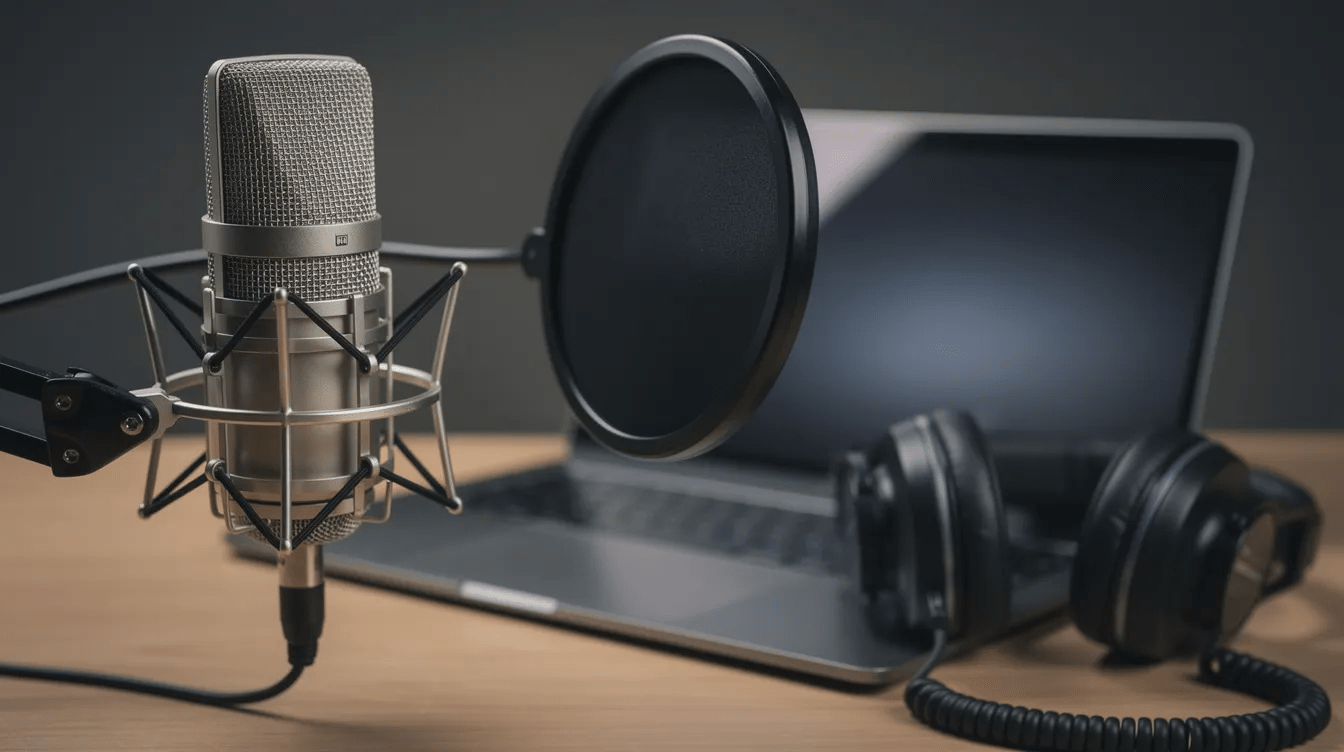
- A USB or XLR microphone (brands like Audio-Technica, Rode, or Samson offer solid entry-level options)
- Closed-back headphones for monitoring while you record
- A pop filter to reduce plosives
- A quiet room
Common home issues include room echo, hard surfaces bouncing sound, and background noise from air conditioning or appliances. Research in speech and voice labs has shown that room acoustics often have a greater effect on voice quality than the choice of microphone itself. Simple fixes make a real difference: record in a carpeted room, hang curtains or blankets on hard walls, and place foam or soft material behind your mic.
Use a stable mic stand to avoid handling noise. Monitor with headphones while recording so you catch clipping, hum, or background sounds in real time. Set your input levels conservatively-peaking around -6 dB gives you headroom without distortion.
For a deeper look at microphone selection and processing techniques, Zeno.FM has a dedicated guide on audio quality and gear for radio that covers setup advice in detail.
Step-by-Step: Creating Your First Voice-Tracked Hour
Follow these eight steps to produce your first voice-tracked hour from scratch. You can complete the entire process in a single session.
- Choose your target hour. Pick a specific day, time, and format-for example, Sunday 18:00–19:00, music with community updates. Decide how many breaks you want (start with four) and roughly where they will fall: after song two, after song four, before the top of hour, and one mid-block.
- Build the playlist. Inside AzuraCast on Zeno.FM, select the exact songs, station IDs, and any promos that will play in that hour. Think of this as your station’s music log for the block. Make sure the playlist order feels natural and flows well.
- Write notes for each break. Do not script word-for-word. Instead, jot bullet points: mention the weather, tease the next song or artist, drop a quick station reminder, or reference a local event. Bullet points keep you sounding conversational, not robotic.
- Record each voice track. Speak naturally. Leave breaths and small imperfections-they keep you sounding human. Record each break as its own file. Voice tracking can produce cleaner and error-free broadcasts compared to live shows, but that does not mean you should sound like a machine.
- Name and organize files clearly. Use a convention like 2026-08-25_1800_break01_intro.mp3. Clear naming means you can find, reuse, or re-record any track without confusion.
- Upload and assign. Add your voice track files to the Zeno.FM media library and place them in the correct positions within your hour’s schedule or playlist.
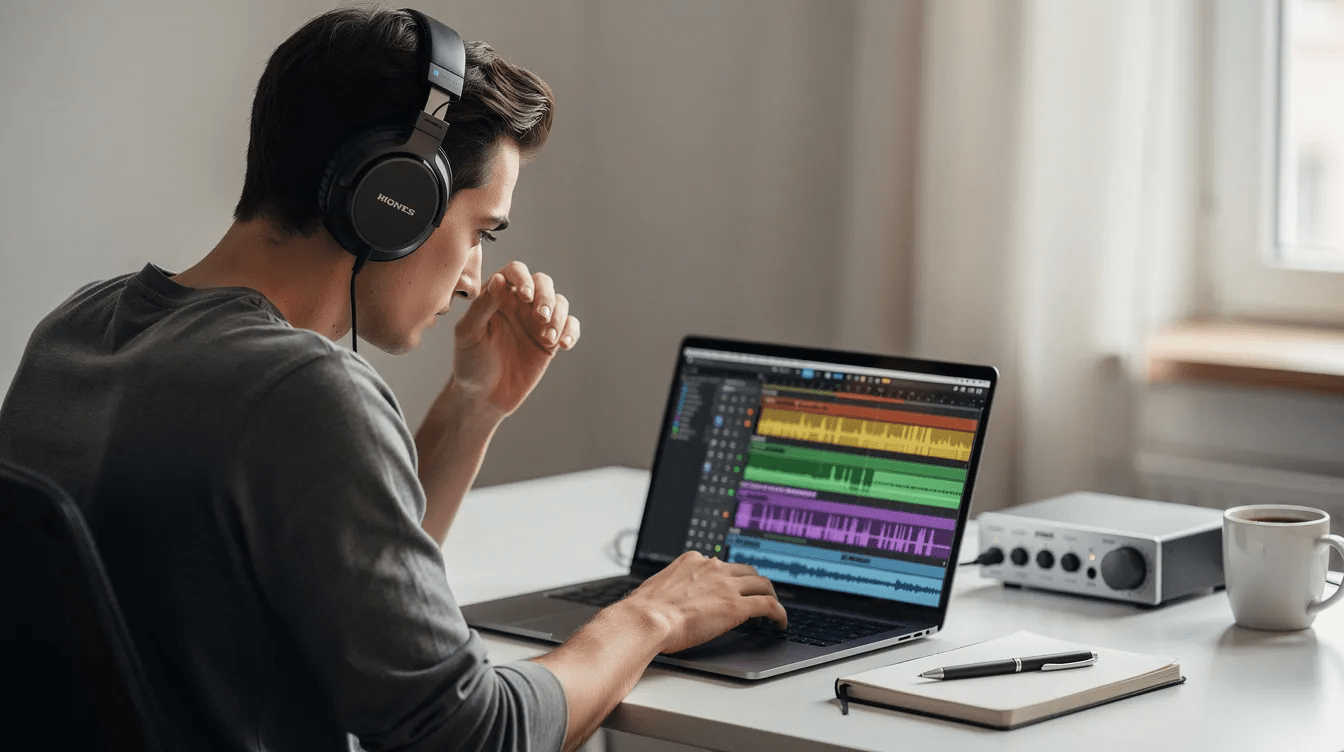
- Preview the hour. Listen from beginning to end. Check for volume jumps, dead air, or awkward transitions. If a track sounds off, re-record it and swap it in.
- Let it air and monitor. When the programmed hour plays at its scheduled time, listen from a phone or another device as a listener would. Note anything that did not fire correctly, and adjust for next week.
Performance Techniques: Making Voice Tracks Sound Truly Live
Once your audio is clean, performance matters more than equipment. Your delivery is what makes listeners stay or tune out.
Adopt the “one listener” mindset. Speak to a single person using “you” rather than addressing a crowd. This keeps the connection intimate and warm, even when you are recording hours before air. Voice trackers ensure broadcasts maintain a natural flow by sounding like they are having a conversation, not reading a page from a script.
Use relative time references instead of specific clock times. Say “coming up after these songs” or “later this hour” rather than “at 6:42 tonight.” This avoids making your track sound out of sync if the playlist shifts by a few minutes.
Vary energy levels by daypart for better engagement. Morning breaks should be brighter and more upbeat. Evening breaks can be more relaxed. Overnight or worship programming calls for calm, reassuring tones. Voice tracking should keep breaks under 30 seconds on music stations. Use longer breaks only when you are delivering community news, a devotional, or a talk segment that needs room to breathe.
Track close to airtime for a more current sound. If you record Tuesday’s breaks on Tuesday morning instead of the previous week, your references to events, weather, and local happenings will feel fresh. One thing to be aware of: voice tracking can reduce local connections and spontaneity in radio broadcasts if you are not intentional about including timely, relevant content. Small, natural stumbles or laughs are acceptable-they reinforce the illusion of live radio.
Working with Multiple Shows, Stations, and Remote Capabilities
Many Zeno.FM broadcasters run more than one show or stream, often with limited hours in the week to prepare. Voice tracking makes this manageable.
A single voice tracker can record different sets of breaks for different formats. A worship hour gets a reverent, reflective tone. A classic hits block gets upbeat, nostalgic energy. A youth music show gets casual, fast-paced delivery. The key is shifting your approach to match each format without sounding generic across all of them.
Fresh content is crucial to avoid repetition in voice tracking. Do not recycle the same story the same way across multiple shows airing on the same day. Change your angle, your length, or your focus. If you mention a community event on the morning show, reference it from a different perspective on the evening block.
Remote capabilities allow co-hosts or guest presenters to record remotely from home in another city or country, then send files for you to schedule. Hosts can record segments from remote locations, allowing for increased flexibility. Voice trackers manage content scheduling across time zones, so a presenter in one country can create material that airs at the right moment for listeners in another. Consider when your audience is awake, commuting, or at church, and time your topical references accordingly.
Use simple naming and folder conventions so multiple contributors do not overwrite each other’s files. A shared folder structure organized by date, show name, and break number prevents confusion and keeps your operation running smoothly.
Integrating Voice Tracking with Automation on Zeno.FM
Zeno.FM includes AzuraCast automation, which means you do not need to purchase separate software for many common radio tasks. Voice tracking is essential for efficient radio content management, and the built-in tools handle the heavy lifting.
At a high level, automation and voice tracks work together through playlists, scheduled blocks, and AutoDJ controlling what plays when. Think of automation as your always-on board operator: it handles music, IDs, and playback while you focus on recording strong content. Voice tracking enables remote broadcasting from cloud-based platforms like Zeno.FM, so you can manage everything from wherever you are.
Automation can sometimes lead to technical issues if the playlist changes after segments are recorded. If you swap songs or shift the order after tracking your breaks, listen back to confirm your voice references still make sense.
Zeno.FM also has a guide on free radio automation software where you can compare workflows and see how AzuraCast fits common needs. Once you are comfortable, advanced setups let you mix live shows, recorded shows, and voice-tracked blocks in one unified schedule. You do not need to choose just one approach.
Using AI and Podcast Tools Alongside Voice Tracking
AI tools can speed up your show prep, but they should support-not replace-the human connection that makes your station worth promoting.
AI-powered content tools can help generate topic ideas, headlines, or talking points that you then personalize in your own voice. AI optimizes voice tracking with automated speech recognition, helping you create transcripts, show notes, or summaries from your recorded breaks. Companies building these tools are making them more accessible every year, but your opinion, personality, and local knowledge remain irreplaceable.
Podcast Bot (PodcastBot.ai by Ozen.fm) can repurpose long-form shows or sermons into podcast episodes. This complements your radio voice tracking workflow without doubling your effort. A simple workflow: record a live or voice-tracked show, archive the audio, then use Podcast Bot to cut key segments into on-demand episodes for listeners who could not hear the original broadcast.
For more on how AI voice tools apply to radio, Zeno.FM has a separate resource worth exploring.
Measuring Success and Improving Your Voice-Tracked Shows
Treat voice tracking as a repeatable process you refine over time, not a one-time setup. Every hour you track is a chance to experiment and improve.
Use listener analytics available in Zeno.FM-connection counts and listening duration-to spot whether certain hours hold your audience better than others. Compare listener behavior between live and voice-tracked hours. If voice-tracked blocks perform just as well, you know your tracking quality is strong. If you see a drop, use that data to request feedback and dig into what might be off.
Ask your community directly. Church members, local volunteers, and online listeners can tell you how “present” the station feels at different times of day. Their input is more valuable than any dashboard.
Try a few easy experiments:
- Add one extra break per hour and check if engagement improves
- Include more local references-street names, events, weather
- Tighten your breaks by five seconds and compare metrics over a few weeks
For deeper strategies on keeping listeners tuned in, explore Zeno.FM’s guide on listener retention strategies.
Next Steps: Building a Sustainable Voice-Tracked Station on Zeno.FM
Start with a single voice-tracked hour this week. Pick one evening or weekend block, record your breaks, schedule them, and listen back as your audience would.
From there, expand to overnight hours, then holiday coverage, then additional dayparts. The goal is not to eliminate all live broadcasting-it is to sound consistently present and local even when you cannot be at the mic. Zeno.FM’s Starter, Prime, and Premier plans all support automation workflows. Explore https://zeno.fm/automation/ to see what features fit your station.
Pick a date-this coming Sunday, for example-and define your first voice-tracked hour. Choose the songs, write your bullet points, and hit record. Your station will sound better for it.
August 25, 2026