The Best Tools & Resources to Improve Your DJ Radio Show (2026)
You landed the slot. Maybe it’s a weekly two-hour window on an internet station, maybe it’s a community FM show, maybe you built your own stream from scratch. Either way, the question is the same: how do you make it sound like something people actually want to come back to?
The answer isn’t one magic piece of equipment – it’s a chain of smart choices across your entire workflow. In this guide, we’ll break down the essential DJ radio show tools you actually need in 2026: improving your mixing, creating custom edits and mashups, finding music worth playing, building sonic branding that sticks, and finally getting the finished show on air and in front of listeners wherever they are.
This is written for hobbyist-to-semi-pro DJs doing dj sets on internet radio or community stations – not just club residents chasing peak-hour energy. We’ll cover both classic dj software like Serato DJ Pro and Traktor Pro, and newer AI-assisted workflows that save time without replacing your taste. Zeno.FM powers thousands of shows globally as a broadcasting platform, and it’ll come up naturally at the end – but the bulk of this article is about independent tools, skills, and resources you can start using today.
Let’s work through it, stage by stage.
Level Up Your Mixing: DJ Software, Schools & Real-World Practice
Before worrying about jingles or promotion, the core of any dj radio show is confident, clean mixing and storytelling with music. DJ radio shows require hardware for audio capture and software for mixing – that’s the foundation. The ideal DJ radio setup includes reliable software and hardware components that you actually know how to use well.
Your “best dj software” choice should fit your style and your dj hardware, not just whatever’s trending. The right dj software is the one that matches how you think about music. Let’s break this into three parts.
Core DJ Software: Picking the Right Tool for Your Style
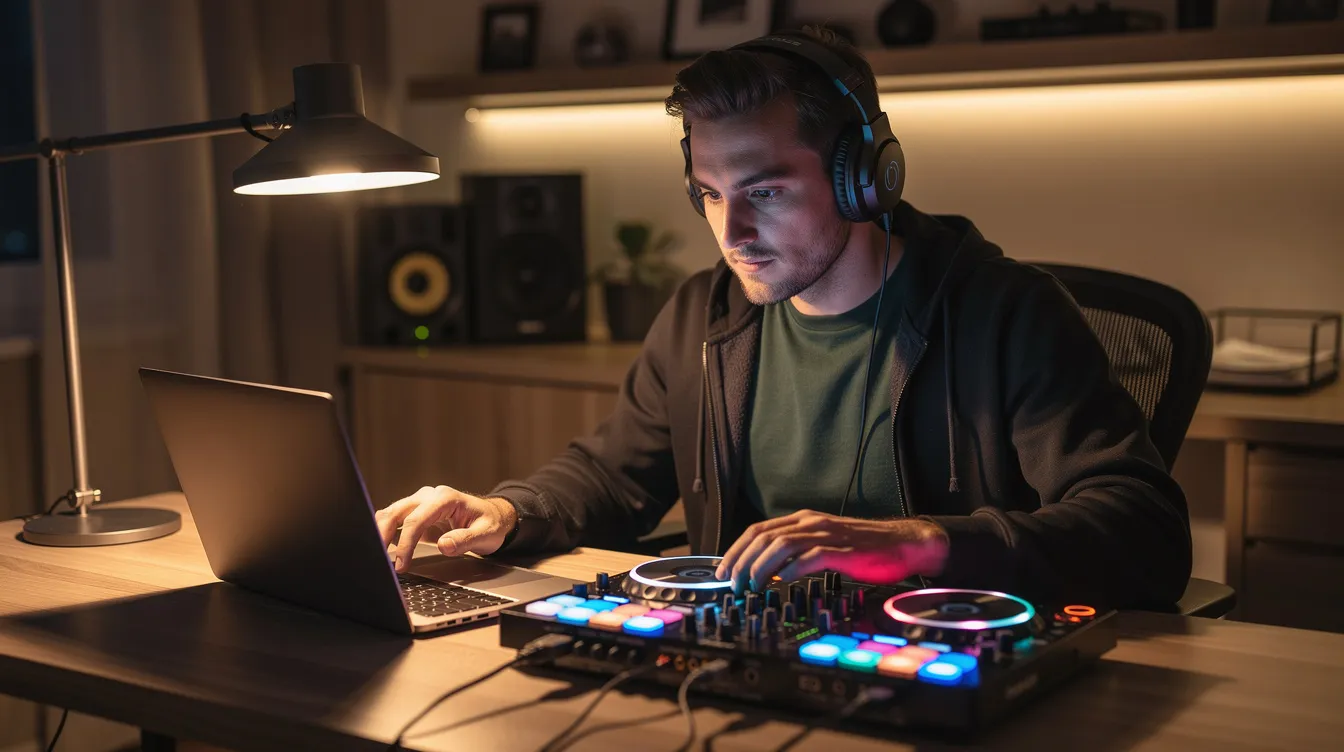
Modern dj software acts as the brain of your dj set: it handles library prep, beatgrids, cue points, looping, FX, and increasingly, real-time stem separation. DJ performance software is essential for mixing songs in a DJ radio show, and DJ software prepares music files for performances – so picking the right platform matters.
Serato DJ Pro remains rock-solid for hip hop, R&B, scratch, and open-format DJs. It supports DVS, Serato Stems for isolating vocals or drums in real-time, and works with over 100 pieces of dj equipment. Serato DJ is popular among hip-hop and scratch DJs for good reason – the workflow is fast and predictable for live radio broadcast situations. If you’re just starting out, Serato DJ Lite comes free with many controllers and will work fine until you need advanced features.
Traktor Pro is a great option for house, techno, and long-format dj sets. Traktor Pro is known for its powerful effects engine, with Remix Decks and flexible FX chains that let you build evolving soundscapes – perfect for radio shows where you want to keep energy shifting over an hour. Note that some features require a hardware unlock with compatible controllers.
Rekordbox is the club standard for DJ software, making it the natural pick if you also play gig nights with USB drives on club-standard Pioneer/AlphaTheta decks. VirtualDJ supports the broadest range of dj hardware – over 300 controllers – and adds video mixing for visual radio or streamed shows, plus real-time stem separation and AI-driven lyric detection.
Whatever you choose, keep one main library instead of constantly switching. A well-organized music library aids in live broadcasts for DJ shows, and backing it up before a big show is non-negotiable.
Learning to Mix: Online Channels, DJ Schools & Courses
Treat your radio show as a weekly training session, not just a recording. The better your skills, the less you rely on fixing things in the edit.
For free tutorials on YouTube in 2026, channels like Mojaxx (now part of Beatport Studio’s tutorial series) offer deep dives into dj gear, mixing technique, and new software features. DJ Carlo Atendido is excellent for beginner and intermediate mixing breakdowns. Both focus on practical skills rather than flashy tricks.
For structured learning, online DJ schools like Digital DJ Tips (which has helped over 30,000 students) and Point Blank Music School offer courses that go beyond basics – covering harmonic mixing, phrase matching, mic use, and genre-blending. If you’re serious about djing for radio, look for courses that specifically teach long-form mix structure for radio listening, not just club peaks. Even one focused course on transitions and phrasing can dramatically change how your show flows.
Practice in Public: Open-Decks Nights & Community Radio Slots
Open-decks nights are events at local bars or venues where DJs sign up for short sets – typically 20 to 40 minutes – to practice live. They’re a powerful way to stress-test your transitions and track selection under real pressure, with a real audience.
Record your open-decks set, review it later, and note which blends worked. Adapt the best moments for your dj radio show. Many online stations and community stations also offer guest mix or trial slots – pitch a one-hour show concept to gain more reps and exposure.
Networking matters here too. Invite guests to grow your fanbase and connections. The other djs you meet at these events are often the ones who’ll later invite you for guest mixes or syndicate your radio show on their platform.
Building Mashups & Edits: From Live Blends to Studio-Ready Radio Versions
Custom edits, intros, and mashups are what make your tracklist yours. They’re a big differentiator on a dj radio show – suddenly you’re not just playing the same songs as everyone else. There are two main routes: recording live blends with your existing decks and dj controller, or creating polished edits in dedicated production software.
Recording Live Mashups with Your DJ Setup
Most dj software has a built-in record function. Hit record in Serato, Traktor, or VirtualDJ, and you’ll capture everything going through your mix bus. If you want cleaner routing, run your dj controller’s output through an audio interface into a DAW for more control over gain staging.
Start simple: loop an intro to extend a transition, blend two tracks with similar bpm and key for an A/B mashup, or cut a long breakdown to create a radio-friendly quick edit. Use stems for live remixing – isolate a vocal from one track over the beats of another.
Listen back and mark timecodes where you’ll want to talk on the mic during the final show, so your mashups leave room for voice breaks and IDs. Save your best live mashups as signature show elements that recur across episodes – they become part of your brand.
Studio Edits & Mashups with DAWs (Ableton Live, Logic Pro, etc.)
A digital audio workstation (DAW) is used for recording and editing audio content, and it’s your editing suite for work that goes beyond what dj software alone can handle. Audio editing software is used for producing prerecorded mixes and editing interviews – and it’s just as useful for crafting tight radio edits.
Ableton Live’s Warping, clip-launching, and stem workflows make it especially useful for radio-length edits, clean intros, and beat-perfect mashups. Logic Pro is a strong option for Mac-based DJs who also want to record voiceovers and manage full shows with multiple tracks and jingles on a timeline. FL Studio rounds out the options for sample-based editing on both Windows and mac.
Many DAWs in 2026 have built-in or third-party AI stem-separation tools, so you can isolate acapellas or drums without needing official stems. Try one simple project to start mixing with production: build a custom 90-second show intro that blends a spoken ID, a favorite track hook, and a subtle riser into your first song.
AI-Assisted Mashup & Automix Tools for Radio
Newer AI tools can suggest compatible tracks, auto-generate basic mashups, or align tempos and keys for you. Platforms like Mixiful let you upload music files to generate DJ Prep Packs with bpm, key, cue points, and even mashup suggestions – handy for tight radio deadlines.
These tools can analyze your library, detect metadata, and propose smart mixes you can then tweak manually. But AI shouldn’t fully replace your taste: use it to spark ideas and test transitions, then refine the results in your dj software or DAW so it still sounds like your style.
Automated mix engines can also help stations build backup playlists – a similar concept to AutoDJ scheduling, ensuring there’s always something coherent on air when you’re not live.
Finding Music for Your DJ Radio Show: Record Pools, Stores & Discovery
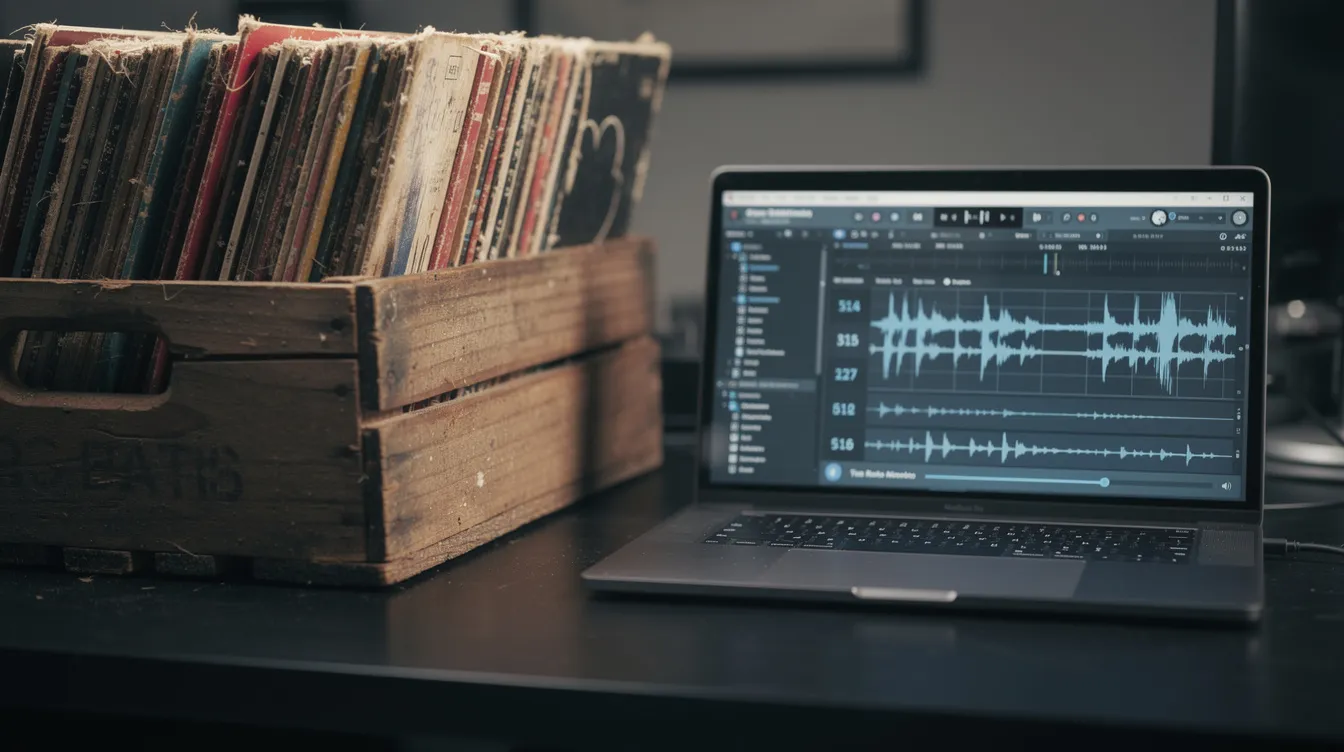
A memorable radio show stands out through selection, not just mixing. In 2026, DJs have more legal, high-quality sources for new music than ever – but the legal angle matters. Streaming services like Spotify or Apple Music are not licensed for radio broadcast or rebroadcast. Your station needs proper music licensing, and you should acquire broadcast-ready audio from legitimate sources, following an internet radio licensing beginner’s guide so you stay compliant as you grow.
DJ Charts, Record Pools & Metadata
DJ charts – genre-specific lists on Beatport, curated picks on major DJ blogs, label charts – help you understand what’s working in clubs and on other radio shows. They’re a quick way to stay current without drowning in releases.
Digital record pools like Digital DJ Pool and BPM Supreme work on a subscription model: you get access to promo tracks with clean and dirty versions, intros, outros, and sometimes radio edits. The practical benefit is ready-made bpm and key tags, curated playlists for genres, and files optimized for dj software so you can load tracks and start mixing faster.
Create a simple tagging system in your library – labels like “RADIO-OPEN,” “PEAK-HOUR,” or “CHILLOUT” – to speed up show prep. Track listings and tagging also enhance podcast discoverability if you later convert shows to on-demand content.
Digging on Bandcamp, SoundCloud & Direct from Artists
Deeper digging helps you avoid playing the same 20 tracks every other DJ is rinsing, and it supports underground artists who need the exposure. Follow labels and individual artist pages on Bandcamp for high-quality wav downloads. Use SoundCloud repost chains and label pages to find scenes and communities you wouldn’t hit through mainstream search.
Reach out to smaller labels and producers to ask for promos specifically for your show. Make clear you’ll tag them on social media and send links once the episode airs. Keep a “PROMO-INBOX” playlist in your dj software so you can feature fresh tracks each week without scrambling.
Buying Broadcast-Ready Tracks (Beatport, Beatsource & Playlist Tools)
Consumer streaming subscriptions are not licensed for rebroadcast – you can’t just rip songs from Spotify and play them on air. Instead, purchase from pro download stores like Beatport and Beatsource, which provide high-quality files you can legally integrate into your station’s licensed catalog.
A useful workflow hack: playlist-transfer tools let you build a discovery playlist on Spotify or YouTube, then find the same tracks on Beatport or Beatsource so you can buy them from a legal source. Research in one place, purchase in another.
Coordinate with your station or streaming platform about music licensing. Many online stations operate under collective rights licenses, but you should still keep clear records of where you obtained every track, especially if you plan to start your own online radio station with Zeno streaming alongside your DJ show.
Creating Your Own Radio Imaging: Jingles, IDs & Sonic Branding
Radio imaging is everything that identifies your station and show between songs: jingles, sweepers, IDs, beds, stingers, and show openers. Without visuals, these short audio elements are the face of your show – they tell new listeners who you are, what the show is called, and where to find you.
DJ-forward shows especially need clear imaging. A club mix can exist on vibes alone, but a radio show needs structure and identity. Here’s how to build yours.
DIY Jingles & Sweepers with DAWs (Audacity, Adobe Audition, etc.)
Audacity is free, cross platform, and perfect for starting out. You can record your voice (or a friend’s) saying “You’re locked into [Show Name] on [Station],” layer it over a short instrumental loop, add subtle reverb, and export a professional-sounding wav file for your automation system or dj software.
Adobe Audition is the step up – used in many radio studios for detailed editing, noise reduction, batch processing, and multitrack mixdowns. If you’re on Windows or mac and want precise control, it’s worth the investment.
Build a small imaging package: an opener (10–15 seconds), two or three alternate IDs, and a short bed you can talk over during track introductions. Consistency across these elements – matching tone, style, and energy – is what separates a polished show from a random playlist.
Professional Imaging Houses & Sonic Logos
If you want your dj radio show to sound like a major station, specialist imaging companies like Benztown and Pure Jingles create custom voice, music, and FX packages. You typically get branded IDs, slogan cuts, top-of-hour intros, genre-flavored beds, and sometimes a short sonic logo you can reuse across platforms.
Semi-pro DJs should start with a small, focused package rather than a full station suite – then expand as the show grows. Combine pro imaging with your own DIY elements so the show feels polished but personal, not a generic template.
Structuring & Recording a Radio-Ready DJ Set
A club mix and a radio show are different things. Radio needs clearer intros, some talking, and pacing that works for at-home and in-car listeners. You want to create a cohesive delivery model for your dj sets that keeps people tuned in across the full hour.
Planning Segments & Flow for Radio Listening
Break a 60-minute radio show into logical segments: warm-up (low energy, ease listeners in), a new music spotlight or guest feature, peak energy, and wind-down. Separate each segment with short IDs or jingles.
Prepare a loose script or bullet points for what you’ll say at the start, middle, and end: who you are, what the show is, key tracks or themes, and where listeners can follow you. Leave breathing space in your track selection for talking – avoid back-to-back vocal-heavy songs during sections where you’ll use the mic.
Recording & Light Post-Production
Record your mix directly in your dj software at lossless or high-bitrate settings. Monitor your levels so peaks stay under 0 dB to avoid distortion on air. Archiving dj sets preserves historical content for future use, so keep every raw recording even if you don’t love how it turned out.
Move the recording into a DAW to trim silence, normalize levels, and insert jingles or IDs at pre-planned time markers. Apply gentle compression and limiting so the show has consistent loudness without sounding crushed – important for comfortable listening on phones and car stereos. Export a final wav or high-quality MP3 at the bitrate your station or platform recommends, labeled with date, episode number, and show title.
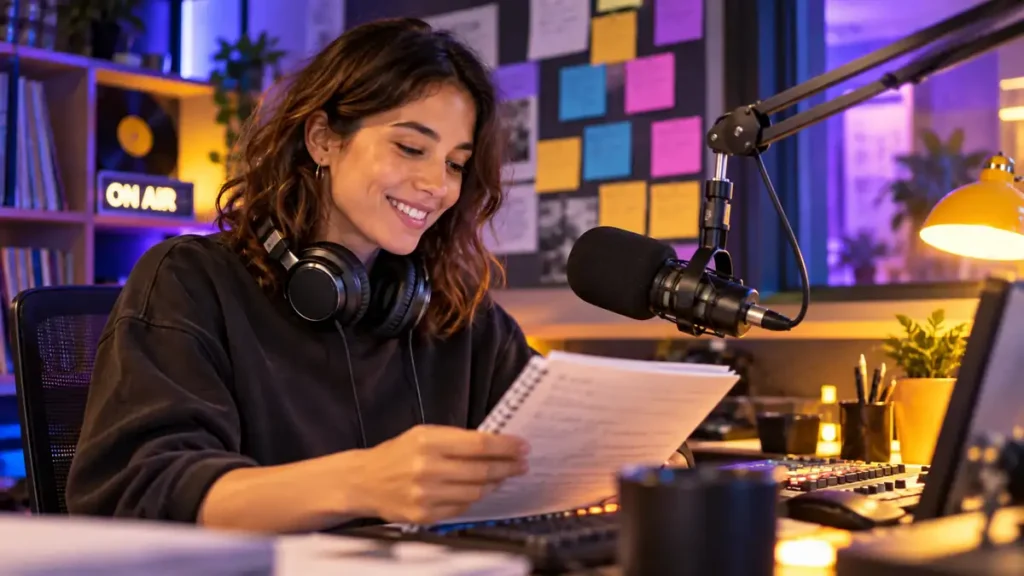
Using Your Mic Confidently: Voiceovers That Fit a DJ-Driven Show
Many DJs feel shy about talking on mic, but even minimal, well-placed voiceovers transform a mix into a radio show. Engaging with listeners during the show can increase audience loyalty – people tune in for personality, not just playlists. You can also engage fans live by monitoring chat during your show and giving shout-outs in real time.
What to Say (and What to Skip)
Keep voice breaks short and specific: identify yourself, the show, the station, and one or two standout tracks. Prepare a few go-to catchphrases so you’re not improvising from zero every time the mic goes live.
Don’t talk over vocals. Use intros, breakdowns, or instrumental sections where you won’t compete with singers or rappers. If you’re featuring hip hop or vocal-heavy songs, plan your mic breaks around the arrangement – not against it.
Mic Gear & Processing Basics
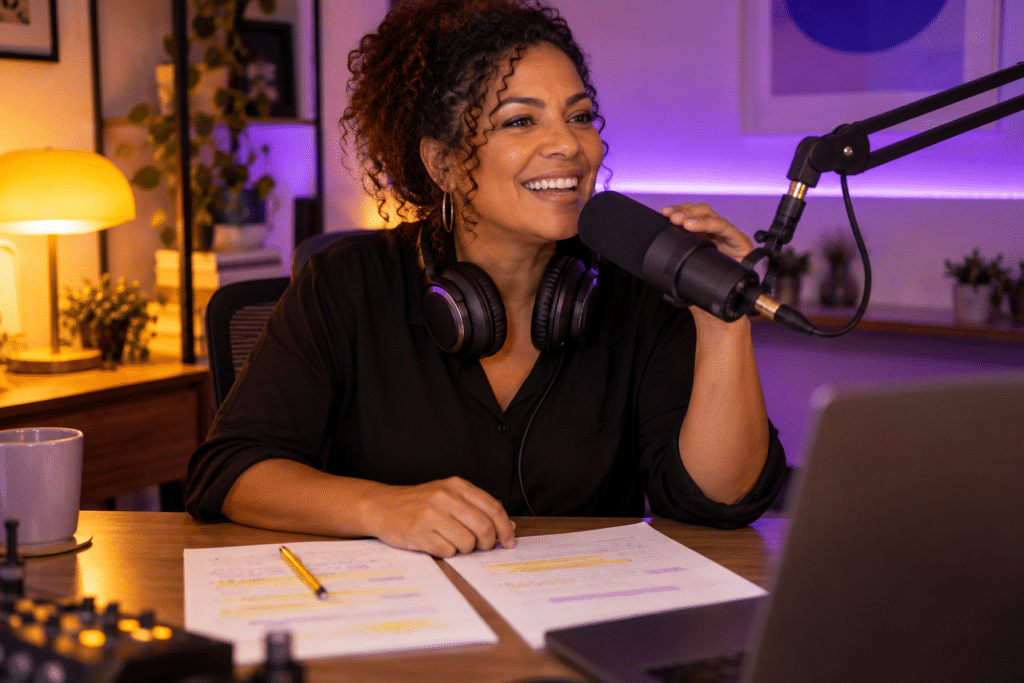
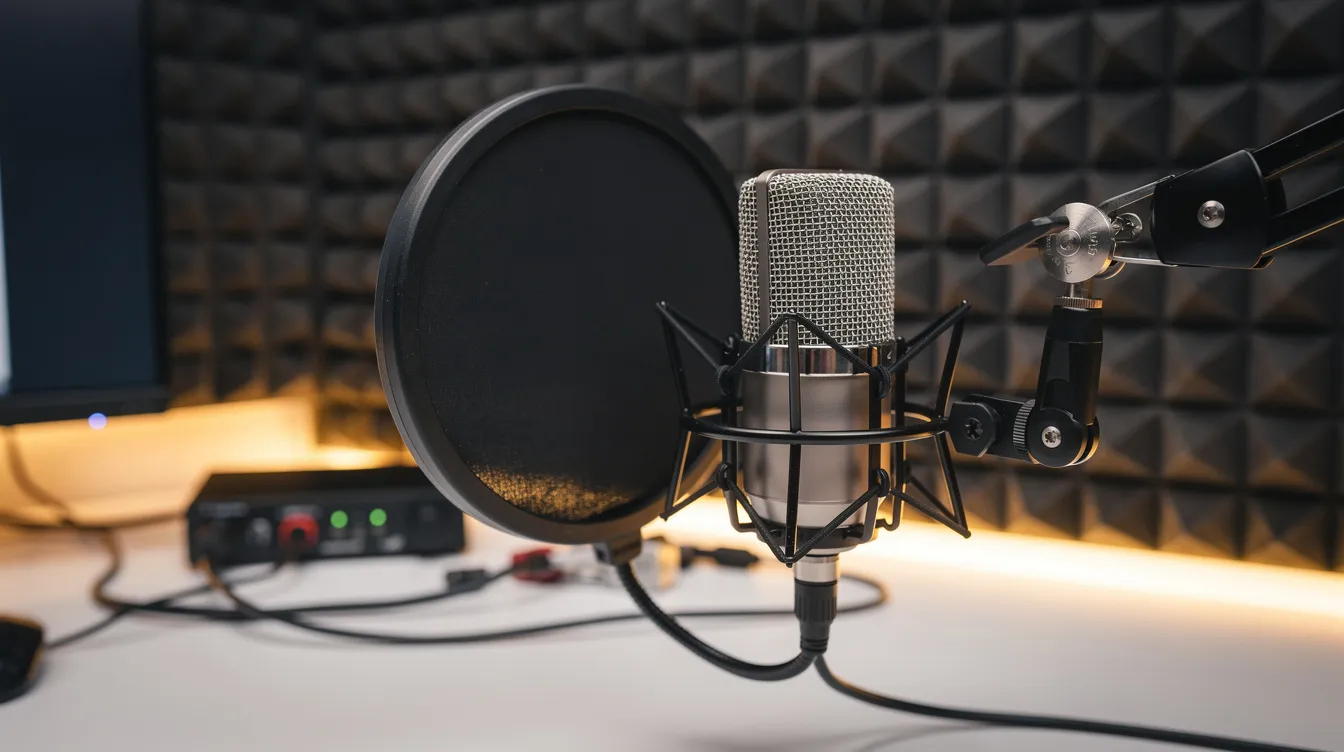
High-quality microphones are essential for broadcast voiceovers in radio shows. The minimum chain: a decent dynamic or condenser mic, a quality audio interface (important for routing audio in a radio setup), and monitoring setups that include closed-back headphones for quality audio management.
For processing, use your DAW or built-in tools: gentle EQ to roll off low rumble below 80–100 Hz, light compression to even out levels, and a de-esser for harsh sibilance. Many broadcasters combine live talking over music with pre-recorded links – solid mic technique and gear choices make both approaches sound clean. An input device like a simple keyboard shortcut or MIDI pad can trigger pre-recorded voice drops without breaking your flow.
Getting Your DJ Radio Show On Air & In Front of Listeners (with Zeno.FM)
You’ve built the mixing skills, created custom edits, dug deep for music, and branded your sound with imaging. Now you need a home for your radio show – a place to stream, automate, and reach listeners on web, mobile, and in the car. This is where the final stage of your DJ radio show tools comes together. Zeno.FM operates in more than 100 countries and serves over 40 million listeners monthly, making it a solid foundation for shows of any size.
Streaming Your Show: Live Broadcast or Pre-Recorded
Zeno.FM lets you run a full online radio station or a dedicated show stream. You can go live from your dj software or broadcasting software, or upload finished episodes. Live audio can be streamed to listeners via internet radio stations – broadcast encoders send audio to streaming servers for online radio stations, and Zeno handles distribution worldwide via web player and other endpoints, very similar to the powerful tools to broadcast live radio online that many stations rely on.
If you need a step-by-step setup guide, the How to Start an Online Radio Station guide walks through the full process. Streaming servers like Shoutcast or Icecast are standard protocols for online radio broadcasting, and Zeno supports these connections so your existing encoder setup will work fine.
24/7 Automation & AutoDJ Between Live Sets
AutoDJ automates programming for radio stations, keeping your stream alive between live dj sets, replaying episodes, and filling gaps if your internet drops. Online radio stations can automate programming with AutoDJ software, and broadcast automation software schedules music and manages ads for radio shows – so listeners always have something to hear.
Zeno.FM’s AutoDJ is a cloud-based playlist and scheduling system: upload tracks, jingles, and pre-recorded shows, then set when they play. Radio automation helps manage programming schedules efficiently, and many DJs use it to build a 24/7 presence around a weekly flagship show, leaning on the same radio automation platform for 24/7 broadcasting that full-time stations use.
Replays, Podcasts & Monetization
After the live broadcast, turn each show into on-demand content. Podcast hosting services allow radio shows to be converted into on-demand content, and creating a podcast can generate multiple content pieces from one show. AI tools can automatically transform live broadcasts into podcasts – Zeno’s Podcast Bot does exactly this, saving you editing and upload time as part of its podcast hosting and AI automation for live broadcasters.
Successful podcasts can be monetized on platforms like Spotify. Podcasts can also be monetized on platforms like Spotify and YouTube, giving you revenue streams beyond the live broadcast. Radio shows can generate revenue through advertising and sponsorships, and promoting products and services on air can enhance revenue streams further. Once you have regular listeners, explore how to turn your internet radio show into income through audio ads and sponsorship, and consider whether Zeno’s professional streaming plans for online radio make sense for your station’s next stage of growth.
Audience analytics help broadcasters understand listener performance and preferences – use these insights to analyze show statistics to inform future marketing strategies and refine your programming over time.
Listener Apps, Smart Speakers & In-Car Listening
A professional-sounding show needs professional distribution. Mobile apps can provide access to online radio broadcasts, and listeners in 2026 expect to tune in from their phone, smart speaker, or car dashboard. Zeno.FM can power branded mobile apps and support Apple CarPlay and Android Auto so fans can listen while commuting or traveling, which is why mobile apps for radio stations are essential in 2026 if you want to meet listeners where they are.
Schedule teasers like video clips and social media posts to drive listeners to your app and stream. The easier you make it to find your show, the faster your audience grows.
Bringing It All Together: Your DJ Radio Show Toolkit for 2026
Here’s the full chain: better mixing through the right dj software and deliberate practice, smarter edits built in DAWs and refined with AI assistance, deeper music digging through record pools and direct artist support, clear imaging that brands every episode, confident mic use that turns a mix into a show, and a reliable streaming home that puts your audio in front of listeners worldwide.
You don’t need every tool at once. Pick one improvement per month – maybe this month you learn Ableton edits, next month you build an imaging package, the month after you set up AutoDJ on Zeno. Incremental upgrades compound fast.
Building a mailing list is vital for promoting radio shows and keeping listeners coming back week after week. Combine that with consistent scheduling, social media promotion, and the willingness to invite guests onto your show, and you’ll build momentum that feeds itself, especially if you apply proven strategies to grow your online radio station fast alongside your show-specific efforts.
The DJ radio show tools that matter most are the ones you actually use – consistently, intentionally, and in service of making something your listeners want to hear again. Whether you’re playing for 50 people or 50,000, the workflow is the same.
Ready to get your show on air? Start or upgrade your online station with Zeno.FM, or check out the guide to running a DJ show on a budget if you’re building from scratch. The mic is yours.
July 15, 2026