WhatsApp for Radio Stations: How to Engage and Grow Your Audience
WhatsApp for radio stations means using chat, voice notes, and calls to connect your station with listeners in real time. If you run a community station, a church broadcast, a school radio project, or a diaspora service with a small team and a limited budget, WhatsApp can streamline communication and audience engagement without expensive tools. It transforms a passive listening experience into an active relationship where people send requests, share stories, and reply to what they hear.
This guide covers choosing the right WhatsApp setup, on-air ideas you can try this week, simple ways to get phone audio into your broadcast, promotion tips, and listener privacy. Whether you already stream or are still planning, these steps work alongside strategies for growing your online radio station.

Why WhatsApp Works So Well for Radio
Radio is built on voice, conversation, and connection. WhatsApp mirrors that: listeners can send voice messages for better sound quality than a phone line, record a dedication with real emotion and accent, or fire off a quick text between songs. Because listeners already use WhatsApp daily to communicate with family and friends, asking them to message the station requires no new apps or sign-ups. WhatsApp replaces slow SMS systems with a free instant messaging alternative, and messages can yield open rates as high as 98%, far higher than social media posts.
Direct messaging facilitates personal connections between listeners and stations. A presenter can reply by name, reference a listener’s city or country, and make someone feel heard. WhatsApp enables presenters to interact with fans outside broadcasts too, keeping the conversation going between shows. For diaspora and multilingual audiences who already rely on WhatsApp to stay in touch with home, the fit is natural; international listeners connect without incurring extra fees. If you run a bilingual or diaspora station, WhatsApp is one of the easiest ways to reach people across borders.
WhatsApp works for both live and pre-recorded programming. Listeners can send a note at any hour; presenters choose when to air it. That flexibility means even a one-person station can offer interactive content.
Choosing the Right WhatsApp Setup for Your Station
There is no single “correct” setup. You will choose a phone number, then decide how to structure contact with your audience: channels, groups, or broadcast lists. Everything here works from the regular WhatsApp or WhatsApp Business apps on a smartphone; no developer tools needed. Start simple and add layers as your audience grows.
Use a Dedicated Number With WhatsApp Business
Use a separate phone number for the station rather than a presenter’s personal device. A dedicated number keeps boundaries clean, lets you share the number on air without hesitation, and allows handover between team members.
WhatsApp Business looks like normal WhatsApp to your listeners, but it adds tools that help radio stations stay organized. The platform enables automated replies for station information, so common questions get answered even when nobody is at the desk. Set up your profile with these elements:
- Station name as profile name, logo as profile picture
- Short bio describing your format, genres, and languages
- Stream URL or website link so people can listen with one click
- Show schedule and contact email
Three features deserve attention. Quick replies let you save answers to frequent questions (“How do I request a song?” or “What time is the morning show?”). Away messages send an automatic reply outside live hours, so listeners know when to expect a response. Labels let you tag chats by category: “Song Request,” “Contest Winner,” “VIP Listener,” or “Volunteer.” You can also send automated updates for show schedules to saved contacts. Keep the app installed on a studio phone that presenters and producers share, with clear rules on who replies and when. Opt-in permission is necessary for business-initiated messaging, so always let listeners choose to receive updates.
Channels, Groups, Communities, and Broadcast Lists
WhatsApp offers several ways to talk with listeners. Each works differently in terms of who can reply, who can see whom, and what type of content fits best.
A channel is a one-way feed where your station posts updates and followers read them. A group is a two-way chat where members reply and see each other. A community is an umbrella connecting several groups under one roof. A broadcast list sends a one-way message to many contacts at once, appearing as a private chat for each recipient.
| Feature | One-way or two-way | Best for |
|---|---|---|
| Channel | One-way | Show reminders, news alerts, station updates for a large audience |
| Broadcast list | One-way (private) | Schedule alerts and exclusive content for loyal fans who saved your number |
| Group | Two-way | Small clubs of engaged listeners; niche topics; show-specific discussion |
| Community | Mixed | Stations with multiple shows, languages, or genres; keeps sub-groups organized |
Stations can use WhatsApp Channels to share important updates directly, and you can measure engagement through channel metrics like reactions and poll results. For your most engaged listeners, create one or two groups with clear topic rules. Communities become useful once you have several active groups; you can create dedicated communities based on specific interests, such as a worship show, a youth show, or a music request club. Broadcast lists let you share exclusive content with loyal fans who have saved your number.

6 Ways to Use WhatsApp for Radio Stations On Air
These are the practical ways WhatsApp for radio stations comes to life during a show. Pick two or three to test; see what your audience enjoys.
Song Requests and Dedications
Invite listeners to send song requests and dedications via WhatsApp. Ask them to include the song title, artist, who it is dedicated to, and a short message. On air, say: “Save our WhatsApp number now and send your request for tonight’s show.” Label incoming requests in WhatsApp Business so you can scroll and build your playlist quickly. Collecting song requests and competition entries is effortless with WhatsApp, and reading out listener names and countries builds a real sense of community.
Listener Voice Notes On Air
Voice notes provide better sound quality than phone lines and let listeners record when it suits them. Ask a clear question on air (“What song reminds you of home?”) and invite a 20-to-30-second voice note. Screen submissions off-air, choose the best, and queue them for playback. Voice notes sent via WhatsApp enhance on-air content quality and add variety to any show. Always ask permission before broadcasting, and consider a recurring feature like “WhatsApp Voice of the Day” to train listeners to participate.
Live Calls From Listeners
WhatsApp can be used to take live calls on radio stations for shout-outs, testimonies, or interviews. A simple workflow: invite calls during a specific segment, have a producer answer first to check the topic, language, and audio quality, then put the caller through to the desk. Keep calls short so more people get a chance and the show keeps its pace. Start with one or two calls per show until your team is comfortable.
Contests and Giveaways
WhatsApp allows for streamlined text-to-win mechanics: listeners send a keyword, answer a trivia question, or record a creative voice note. Try “finish the lyric” games or “tell us why you love this show” audio entries. Use labels to mark “Contest Entry” and “Winner,” and keep a simple spreadsheet to track results. Contest and giveaway rules vary by country, so check local regulations before running any promotion. Small prizes like merchandise, shout-outs, or song dedications encourage frequent participation.
Field Reports and Remote Contributors
Listeners and volunteers can send multimedia messages, including voice notes and photos, from events like markets, church gatherings, or school sports days. Recruit two or three trusted contributors who send regular updates rather than relying only on studio staff. The presenter reviews each voice note and plays it during news or magazine segments. Broadcasters can also push behind-the-scenes video clips and tracklists to subscribers, and listeners can receive exclusive behind-the-scenes content that makes them feel connected.
Quick Polls and Show Feedback
WhatsApp supports real-time polls for audience interaction. Ask listeners to reply with “A” or “B,” thumbs up or down, or a short phrase. Read a range of replies on air so people hear their input shaping the show. After the broadcast, ask what topics they liked and what they want more of. This feedback can guide programming decisions for internet radio stations: new show ideas, languages to add, or time slots to change. Save strong testimonials (with permission) for promos and fundraising.
How to Get WhatsApp Audio Into Your Broadcast
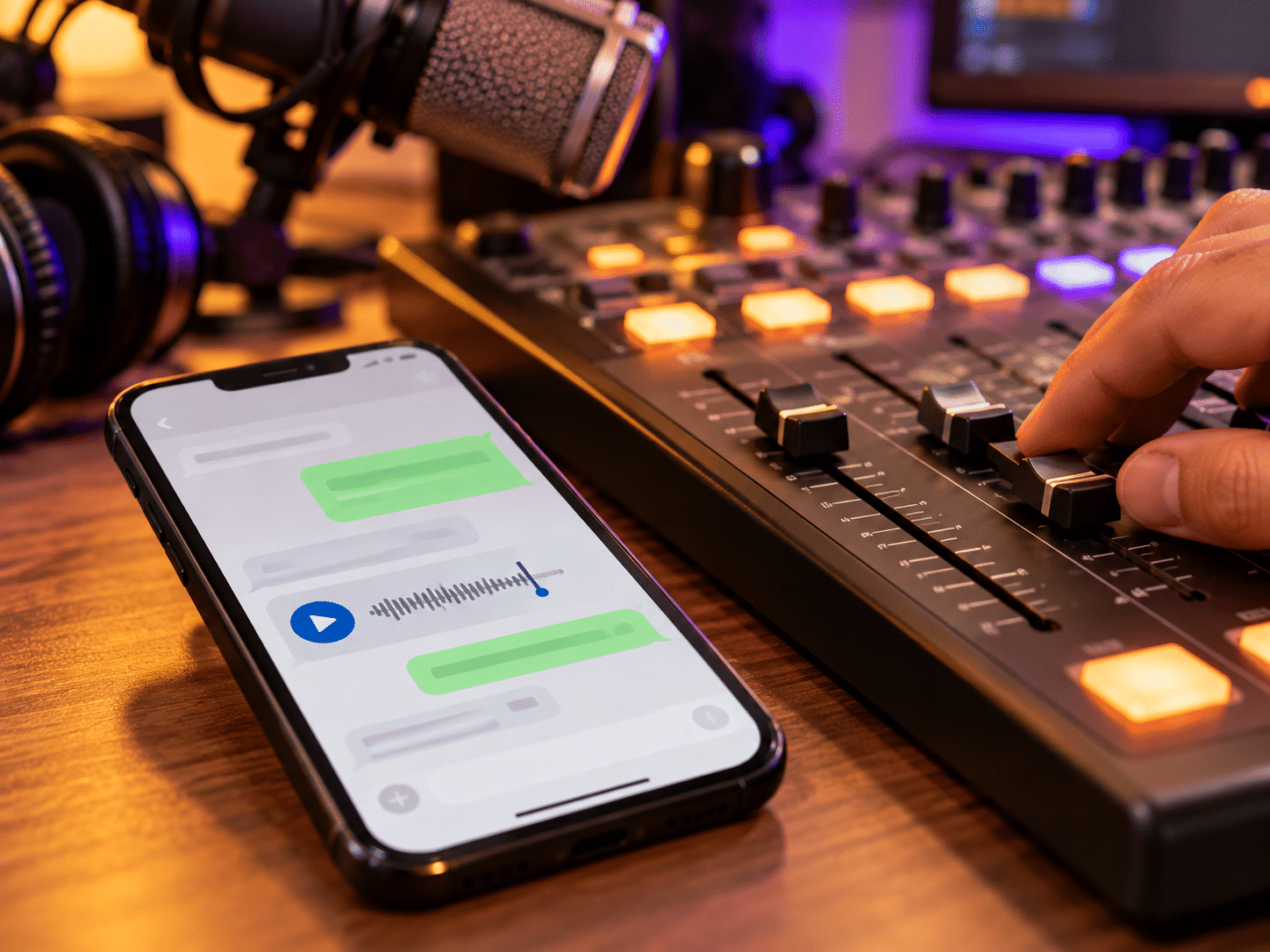
You do not need complicated gear. For recorded voice notes, download them from WhatsApp to your computer and save them in a clearly named folder by date or show. Play them from your broadcasting setup like any other audio file.
For live calls, connect the station phone to a mixer or audio interface via a cable or Bluetooth adapter and route the output to a spare channel so you control the caller’s volume separately from music and mic. Test levels before going on air: make a test call, listen on headphones, and adjust to avoid distortion. A budget-friendly studio setup with a basic mic and USB interface handles phone audio well.
How to Promote Your Station’s WhatsApp
WhatsApp only helps if listeners know the number. Repeat it clearly at the start and end of each show with a memorable phrase: “Save this number in your phone as [Station Name] Radio.” Add the number to your station website’s header or contact page. Update your social media bios on Facebook and other platforms with the WhatsApp number and channel link. If your station has a mobile app, include the WhatsApp contact there too. Delivering news alerts via WhatsApp keeps listeners engaged throughout the day, and listeners can easily share your content with their own contacts, helping your audience find you through search and word of mouth.
Good Practices: Consent, Privacy, and Moderation
WhatsApp for radio stations comes with a responsibility to protect listeners. Ask permission before playing a voice note, reading a full name, or sharing personal details on air. Default to first name and city or country unless the listener approves more. Never add people to groups without consent; invite them instead. Write simple group rules covering language, respect, and off-topic messages, and pin them so they stay visible.
Phone numbers in groups are visible to all members, so use channels or broadcast lists if you want to avoid exposing listener information. Assign at least one team member as moderator to remove spam. Be honest about response times: “We check WhatsApp during live shows and once a day otherwise.” WhatsApp messages and calls are protected by end to end encryption, but your station still has a duty to handle any shared information, photos, or recordings with care. WhatsApp also provides a platform for sponsor integration in direct communication, but always label sponsored content clearly to maintain safety and trust.
Join the Zeno.FM Broadcasters WhatsApp Channel
Just as your listeners connect with your station on WhatsApp, broadcasters can stay connected with Zeno.FM and each other.
Running a station is easier when you’re not doing it alone. Zeno.FM has a WhatsApp channel for broadcasters where we share platform news, practical tips, and updates, and many broadcasters already follow it. Whether you already stream on Zeno.FM or you’re getting ready to launch your station, you’re welcome to join: join the Zeno.FM broadcasters channel.
The channel is a good place to discover programming ideas, learn how other stations handle engagement, and stay informed about tools that help internet radio stations grow. If you are still planning your launch, the Zeno.FM start guide walks you through every step.
Conclusion
WhatsApp turns a one-way audio stream into a real community: more requests, more stories, more feedback, and a stronger bond between your station and the people who listen. Pick one step this week. Set up a WhatsApp Business number, add a song request segment to your next live show, or launch a channel for your most loyal fans.
If you are ready to start or grow your station, explore Zeno.FM’s Starter, Prime, and Premier plans at zeno.fm/pricing and choose the option that fits your goals. Combining a strong station on Zeno.FM with an active WhatsApp presence is a great way to build a loyal audience that stays with you for many years.
September 24, 2026