Pre-Roll Ads for Internet Radio: How to Sell and Run Them
A pre-roll ad is a short audio message that plays the moment a listener presses play, before your live stream begins. If you run a small internet radio station and want a simple way to earn revenue from local advertisers, pre-roll ads for internet radio deserve your attention. Pre-roll ads typically last six to 30 seconds, giving you enough time for one clear message without testing your audience’s patience.
On terrestrial radio, commercial spots follow a fixed clock; a 30-second advertisement runs at 10:15 AM whether five people or five thousand are listening at that moment. Internet radio works differently. Pre-rolls serve as digital-first entry points injected programmatically at the beginning of each listener session, meaning every time someone connects to your stream. Each play counts as one impression, and impressions are what advertisers pay for. Dynamic ad insertion ensures targeted ads for listeners based on the campaign settings you configure. Pre-roll ads integrate easily into automated ad-insertion servers for monetization, so even a volunteer-run station can manage them.
On Zeno.FM, creating and running pre-roll campaigns through Zeno Tools > Advertising is available only on the Premier plan. This guide is built for community, church, school, nonprofit, diaspora, and independent broadcasters with small teams who want to sell, produce, and run these campaigns.
Pre-Roll vs Mid-Roll vs Traditional On-Air Spots
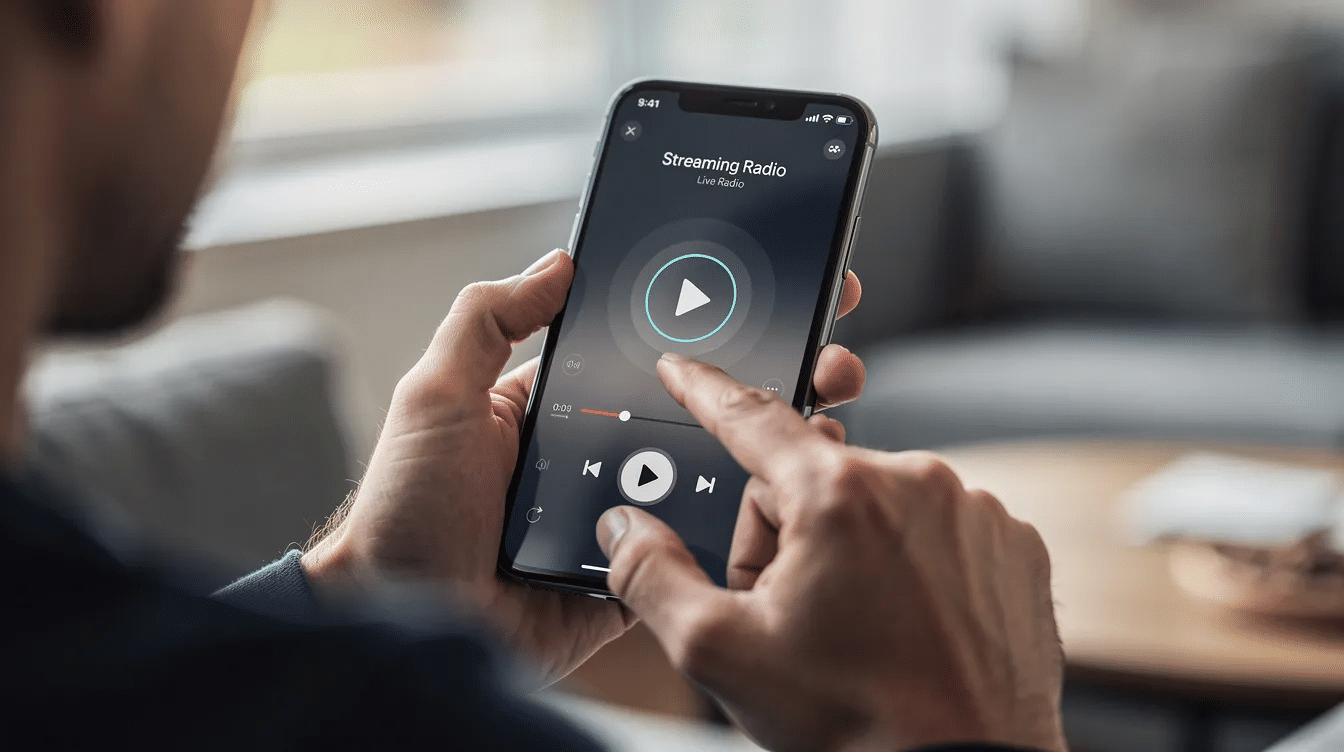
Three ad formats matter for radio stations: pre-roll, mid-roll, and on-air spots. Pre-roll ads capture listeners right at the point of initiation when retention is highest. Mid-roll ads interrupt the audio content midway through playback, between songs or talk segments. On-air spots on terrestrial radio follow a scheduled log, running at set times inside the broadcast itself. Some stations must run a minimum of 4 minutes of ads per hour to meet contractual or network obligations.
Post-roll ads play immediately after the audio content finishes; they work for podcasts and archived recordings, but a live stream has no defined end, so post-roll does not apply here.
Beyond audio, other ad formats exist across media. Skippable pre-roll ads allow viewers to skip after five seconds, while non-skippable pre-roll ads require full viewing before content access. Bumper ads are ultra-short, six-second non-skippable pre-rolls. Companion banner displays are silent visual graphic ads shown while audio plays. For internet radio, the audio pre-roll is the primary format.
Here is a quick comparison:
- A local hardware store buys a 20-second pre-roll: it automatically plays once each time a listener connects to your stream, before any programming begins.
- A restaurant buys a 30-second on-air spot inside your afternoon talk show: it airs at 2:30 PM regardless of when individual stations’ listeners tuned in.
Pre-roll does not interrupt songs, sermons, or entertainment content once streaming is underway, which matters to audiences who came for unbroken programming.
Pre-Roll Ads vs Station Jingles and IDs
A pre-roll is paid radio advertising. A jingle or station ID is your own branding. Mixing the two up confuses listeners and can create problems with sponsors who expect a clear, dedicated message.
For example, “You’re listening to Radio Example 101” is a station ID. “This stream is brought to you by Smith Hardware; visit them at 4th and Main” is a paid pre-roll. The first introduces your station. The second promotes a business that paid for the exposure. Keep these as separate audio files, clearly labeled.
Transparency has a long history in broadcasting. The FCC regulates broadcasting under the Communications Act of 1934. Sponsorship disclosure rules were introduced after the 1950s payola scandal, and Section 317 requires disclosure of paid on-air mentions. The FTC regulates false or misleading advertising practices, and endorsers must disclose material connections with advertisers since 2009. Follow your local advertising rules on sponsorship disclosure. Never hide a commercial message inside what sounds like a neutral jingle when money or value has changed hands.
Why Pre-Roll Ads Work So Well for Small Internet Radio Stations
Pre-roll ads for internet radio succeed because of timing. The listener has just pressed play and is paying attention. Pre-roll ads enhance brand recall during peak viewer anticipation; the audience is focused, expecting audio, and a brief sponsor message feels natural at the beginning of the session. Nearly a third of TV viewers prefer entertaining pre-roll ads, and audio listeners respond similarly: listeners respond positively to ads that complement their content.
Studies show pre-roll ads are generally perceived as less disruptive than mid-roll interruptions. Your songs, sermons, and talk segments stay intact. Podcast pre-roll ads reach highly engaged listeners effectively, and the same principle applies to live internet radio: the ad arrives before content, not in the middle of it.
Pre-roll ads command strong pricing power due to immediate delivery when listeners tune in. Revenue from pre-rolls can be affected by listener retention and session starts, but even short sessions count. Pre-roll ads allow stations to monetize connections even if listeners stay briefly. That measurability, one impression per session, makes it easy to explain value to a local business interested in your market. You can show your sponsor a simple number: “Your ad played 8,000 times this month.” Understanding how radio stations make money through diversified revenue helps you see where pre-roll fits alongside donations, sponsorships, and on-air mentions.

How to Run Pre-Roll Campaigns on Zeno.FM (Premier Plan)
Only stations on the Premier plan can create and run pre-roll campaigns in Zeno Tools > Advertising. Stations on Starter or Prime use the same Zeno.FM streaming service but do not access self-managed pre-roll campaigns. On the Premier plan, you manage your own advertisers, upload your own audio files, and sell your own inventory. Advertisers can buy ad space in a private online marketplace you control directly.
Inside Zeno Tools > Advertising, each campaign uses these fields:
- In Zeno Tools, open Advertising from the left-side menu and click Add Campaign.
- Give the campaign a clear name, such as the sponsor’s name and the month.
- Set the impressions goal: the number of times the ad will be served.
- Choose a start date and an end date. You can launch right away or schedule a future start.
- Select the advertiser from the dropdown, or type a new name and press Enter to save it.
- Set the priority from 1 (highest) to 10 (lowest). When several campaigns run at once, higher-priority ads are delivered first.
- Upload the audio file. MP3 is recommended, and 15 to 30 seconds is the standard length.
- Set the targeting. You can reach all listeners, include or exclude specific listener countries, or limit the campaign to selected stations if you manage more than one. Under Ad Slot Selection, choose Pre-roll.
- Click Check Inventory to confirm the campaign can deliver with your settings, then click Create Campaign.
Each listener connection can trigger pre-roll delivery based on these campaigns. You also control how and when the ad is delivered. Turn on Schedule Ads Delivery to run the campaign only on certain days and hours (for example, weekday mornings), choosing a timezone, a start time and an end time; leave it off for continuous delivery. Pick a delivery strategy: Unpaced serves impressions as soon as inventory is available, while Even pacing spreads them across the whole campaign. To protect the listener experience, use Frequency Capping to limit how often the same listener hears the ad (for example, once every 30 minutes), and Ad Break Rate Limiting to keep the same ad from playing twice in a row. Do not oversell: set your impressions goal based on real listener sessions and listening hours from your Analytics, not on optimistic projections you cannot deliver.
Using Zeno.FM Analytics to Prove Value to Sponsors
Sponsors want proof: how many consumers heard their ad, from which countries, and on which devices. Zeno.FM Analytics records listening hours, listener sessions, average minutes per session, countries, devices, and ad impressions for each campaign. You can export this data and build a monthly or quarterly report. Digital ad networks enable demographic targeting on pre-roll ads, making them more valuable; your audience insights from Analytics let you show sponsors who is listening.
To monetize your internet radio station with pre-roll, turn your exported data into a sponsor summary that includes:
- Total impressions delivered for the campaign period
- Top countries by impressions
- Device and app breakdown (mobile vs. desktop)
- Average listening minutes per session (shows engagement)
- A brief narrative: for example, “Mobile listening accounted for the majority of sessions; impressions rose compared to last month”
A clear, honest report determines whether a sponsor renews. Send one every month.
For campaign-level numbers, open the Campaigns page in Advertising, click View on the campaign and scroll to the bottom. You will see Total Impressions to date, and you can export reports by station, country and other filters, all including daily impressions. The same reports remain available after the campaign ends, so you can send each sponsor a final report.
How to Sell Pre-Roll Ads to Local Businesses
You do not need a sales department. If you run a community or church station, you already know local business owners, restaurants, repair shops, event organizers, and partner organizations in your world. Start with them.
Explain CPM in plain terms: cost per thousand impressions. The formula is (price ÷ impressions) × 1,000. If a sponsor pays a flat fee for a campaign that delivers a defined impressions range, you can calculate the CPM together. Alternatively, offer a flat monthly package: a fixed fee for a campaign with a set start date and end date, covering an agreed impressions range. Both approaches work; pick the one that fits your budget discussions with the business.
Add pre-roll as a line item in your rate card, alongside on-air mentions and sponsorships, and include it in a downloadable radio media kit. When pitching, emphasize measurable impressions, broad reach within your community, and the simplicity of campaign delivery.
Be upfront about one risk: pre-roll ads can increase bounce rates if listeners must wait too long to hear content. Keep ads short and relevant so new ways of reaching audiences drive sales rather than drive listeners away. After each campaign, send the advertiser a short report from your Analytics export.
Producing Good-Sounding Pre-Roll Ads
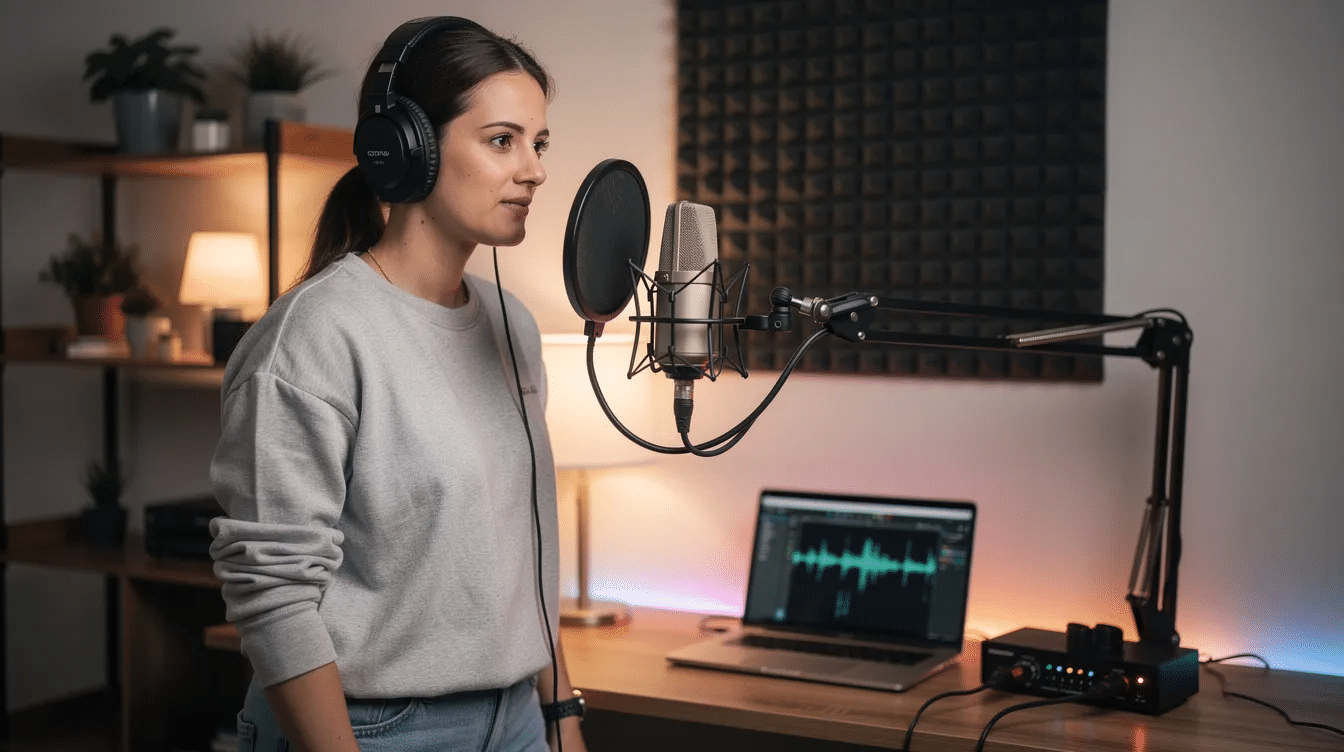
Production quality matters because the pre-roll is the very first thing a listener hears. Listeners frequently have high expectations for seamless audio when using internet radio. Pre-roll ads can disrupt the intended continuous flow of internet radio if they sound harsh or jarring. Pre-roll ads also create initial audience engagement challenges when placed before content, so making the ad pleasant and brief is your best defense.
Aim for 10 to 30 seconds. One clear message, one call to action. Here is a basic script structure: introduce the advertiser, state what they offer, say who it is for, and tell listeners how to respond (visit a website, call a number, follow a social handle).
Production checklist:
- Record in a quiet room; eliminate background hum
- Match loudness to your regular stream so the transition is smooth
- Use licensed or royalty-free music only; never use commercial tracks without rights
- If your station has a familiar host or DJ, let them voice the ad for warmth, but label it clearly as a sponsored message
- Capture attention early; the first three seconds determine whether the listener stays
Common Mistakes to Avoid with Pre-Roll Campaigns
A few simple checks prevent listener irritation and advertiser disappointment.
- Overly long pre-rolls. If your ad feels like a full commercial break, listeners disconnect before your content even starts.
- Stacking ads. Playing a pre-roll followed immediately by a long mid-roll or on-air break overloads listeners with advertising.
- No rotation. Running one advertiser forever causes listener fatigue and limits your revenue from other companies.
- Overselling impressions. Set your impressions goal from real Analytics numbers. Selling more than your sessions can deliver leads to under-delivery and lost trust.
- Forgotten end dates. Always set an end date. Review priority levels so old campaigns do not accidentally keep running over newer ones.
- Loudness mismatch. A pre-roll that is much louder or quieter than your stream sounds unprofessional.
- Poor targeting. Poorly targeted pre-roll ads can create negative brand associations for listeners. Use whatever targeting your plan offers to keep the ad relevant.
- Ignoring ad-blockers. Web-based stream players are vulnerable to ad-blockers, which can affect pre-roll effectiveness. Factor this into your delivery estimates.
Frequently Asked Questions About Pre-Roll Ads for Internet Radio
Which Zeno.FM plan includes pre-roll ads? Only the Premier plan lets you create and run self-managed pre-roll campaigns in Zeno Tools > Advertising. Stations on Starter or Prime do not have access to this feature. You can compare all plans on the pricing page.
Do pre-roll ads replace my regular on-air spots? No. Pre-roll is an additional ad format. It sits alongside on-air spots, sponsorships, and other advertising you already sell. You can run both to promote different marketers or the same sponsor across multiple formats.
Can I target pre-roll ads to specific listeners? Yes. When you set up a campaign in Zeno Tools, you can target all listeners, include or exclude specific listener countries, or limit the campaign to selected stations in your account. To reach listeners only at certain times, turn on Schedule Ads Delivery and set the days, timezone and hours. Run Check Inventory before launch to confirm the campaign can deliver.
How often will a listener hear a pre-roll? Each new listening session can trigger a pre-roll, but you control the repetition. Frequency Capping limits how often the same listener hears an ad (for example, once every 30 minutes), and Ad Break Rate Limiting prevents the same ad from playing twice in a row. Set these before launch so sponsors get reach without wearing out your audience.
What is the difference between pre-roll and mid-roll for internet radio? Pre-roll plays before the stream begins, at session start. Mid-roll plays during the stream, between songs or segments. Pre-roll does not interrupt content once listening is underway; mid-roll does.
How do I report impressions to a sponsor? Use Zeno.FM Analytics to view ad impressions tied to your campaign. Export the data, include total impressions, top countries, device types, and a short narrative about audience engagement. Send this report monthly to build trust and encourage renewal.
Conclusion: Using Pre-Roll Ads for Internet Radio on Zeno.FM
Pre-roll ads for internet radio give your station a clean, measurable way to earn revenue and support local businesses without interrupting the content your listeners came for. On Zeno.FM, self-managed pre-roll campaigns are available only on the Premier plan through Zeno Tools > Advertising. Visit the pricing page to compare plans and explore Zeno.FM streaming to grow your station from here.
October 19, 2026