Radio Station Website: Why You Need One And How To Build It
Your radio station website is the one place online you actually own – the place where listeners hit play, check the schedule, and find you again tomorrow. Even if you already stream through apps and directories, a website under your own domain gives you something no platform can: full control over how your station looks, sounds, and communicates with the world.
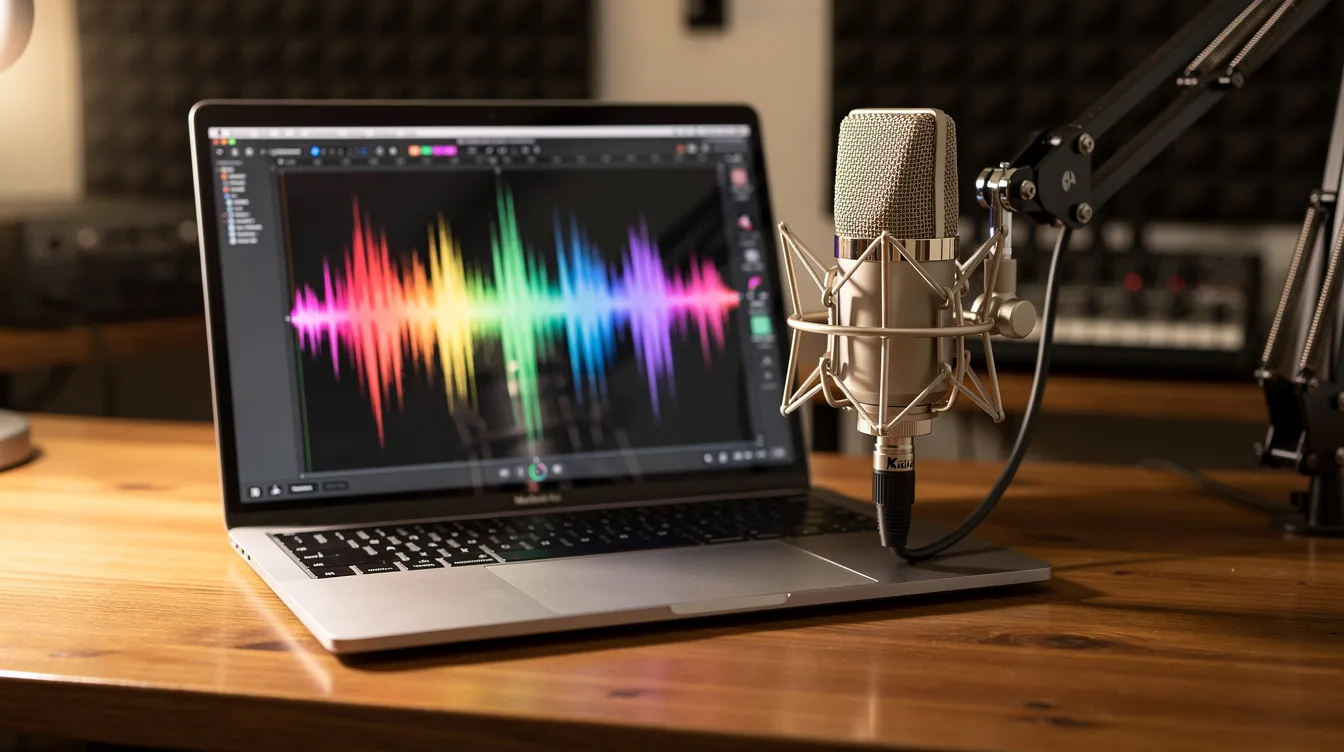
Why a radio station website still matters when you already stream
Platforms and apps help people discover your station. That part is valuable. But those platforms decide how your page looks, what information appears, and how prominently your station shows up in search results. When the platform changes its rules or layout, you have no say.
Your own site flips that. You choose the branding, the colors, the navigation. You decide what visitors see first and where they go next. Since web radio can be accessed globally with an internet connection, your site becomes the single address that works for every listener in every country. Internet radio requires that connection for streaming, but the website is what makes your station easy to find and easy to remember.
Whether you run an internet radio hobby station from your bedroom, broadcast faith-based content to a diaspora community, or manage a local FM station expanding online, the problem is the same: listeners need a place to come back to. A URL they can type, bookmark, or share beats telling someone to “search for us inside that app.”
Zeno.FM can power the streaming backbone behind your site. You embed the player, and listeners hear your broadcast on your terms. But the site itself is yours to build and shape.
What a good radio station website actually does for your station
A modern radio station website serves as a hub for listening and interaction. It turns a one-time visitor into a regular who checks your schedule, browses your archives, and tells friends where to listen.
Sponsors notice this. A polished site with clear branding, a contact page, and details about your programming signals that you take your station seriously. Radio stations can monetize through advertising and sponsorships, but sponsors want to see a credible web presence before they commit money.
Your site also keeps everything in one place. Instead of scattering updates across social platforms, you collect email signups, song requests, and feedback on your own pages. Here is what listeners get from a well-built site:
- Now Playing displays current song title, artist name, and album art in real-time, so visitors always know what is on air
- Program schedules make it easier to catch favorite shows or discover new ones
- Podcasts allow listeners to catch up on missed content at their convenience
- Music playlists help listeners identify songs they have heard
Radio station websites often include podcasts, news, and playlists alongside the live stream. Interactive DJ profiles build a connection between hosts and the audience. Social media integration connects listeners with the station’s latest updates. And because you own the domain, your URL stays the same even if a third-party app changes its policies.
Search engines also respond to a site that clearly states your station name, language, city, and genre. That quiet SEO work compounds over time, making your station easier to find for people who search by topic or area.
Start with what you already have: Zeno.FM microsite vs your own site
Every station on the Zeno.FM network gets its own microsite: a dedicated landing page on Zeno.FM and inside the Zeno Radio app. It carries the station name, description, social media links, a link to the station’s official website if it has one, live streams, and podcast recordings. It is built for stations that do not have their own website yet.
That microsite is a solid beginning. Over 60,000 radio stations are available online, and most online radio programs are free to listen to, so standing out matters. But a microsite does not give you a custom domain, full design control, or the ability to add pages for sponsors, events, or long-form content.
Zeno.FM serves over 40 million listeners monthly across broadcasters in more than 100 countries. Your microsite taps into that reach. Your own website gives you depth. Many stations use both.
| Zeno.FM microsite | Your own website | Both together | |
|---|---|---|---|
| Setup effort | Ready in minutes, no code | Requires domain, hosting, and setup | Microsite instant; site takes a day or more |
| Control | Limited to provided fields | Full design and content control | Best of both |
| Custom domain | No (lives on Zeno.FM) | Yes (yourstationname.com) | Yes, with microsite as backup |
| SEO ownership | Zeno.FM domain benefits | Your domain ranks in search | Cross-linking strengthens both |
| Best for | New stations, fast launch | Growing stations, sponsor-ready presence | Stations serious about long-term growth |
If you are just starting out, the microsite lets you broadcast and share a link on day one. Once you are ready to add a schedule page, an about section, or sponsor information, that is when your own radio station website earns its keep. A station chasing sponsorships or building a team around its content will benefit most from running both.
Core pages every radio station website needs on day one
You do not need dozens of pages at launch. A focused selection of four to six pages works better than a cluttered site that confuses visitors. Think of it as a simple blueprint.
- Home – Live audio players let visitors start listening immediately from any device. Place the player, a clear tagline, and one or two strong CTAs (“Listen live,” “View schedule”) above the fold.
- Listen Live – Embed the Zeno.FM widget player here. It is a copy-and-paste embed that puts the station’s live player on any existing website, with no coding required. It can be customized to show the station logo, now-playing metadata, and links to mobile apps.
- Schedule – Program Schedule offers a timetable of upcoming and past shows and hosts. If you need help building a programming schedule that works around the clock, that guide covers the details.
- About – State your language, genres, city or region, and mission. This helps listeners and potential sponsors understand who you are.
- Contact – A simple form plus email and social links. Avoid publishing personal phone numbers unless truly needed.
- Shows or Podcasts (optional) – On-Demand Podcasts provide downloadable episodes of shows and segments. Events calendars promote concerts and community activities. Contest Portals drive user engagement through entries for tickets and prizes. Interactive Community Feeds integrate social media and song requests. Local Event Calendars highlight upcoming community events and concerts. Add these as your content library grows.
You can always add more pages later. The goal on day one is to give every visitor a reason to click play and a way to find you again.
How to build a radio station website without hiring a developer
You do not need to write code. Here is a straightforward workflow that works for most station owners on a lean budget.
First, pick a domain name. Keep it short, memorable, and close to your station name. Register it through any reputable registrar.
Second, choose a hosting provider or site builder that includes a CMS. A CMS is a dashboard where you manage pages, images, forms, and updates without touching code. Most modern hosts offer one-click installs.
Third, apply a clean, audio-friendly template. Look for layouts that give the player prominent placement and keep navigation simple.
Fourth, add your core pages (Home, Listen Live, Schedule, About, Contact). Copy and paste the Zeno.FM widget player embed code into your Listen Live page. The stream works on any modern web page.
Fifth, make sure your host includes SSL so the player and all forms load securely. Test the site on mobile, tablet, and desktop. Mobile-friendly designs ensure good performance on smartphones and tablets, and web radio can increase listener reach by 35% through embedding a player on your own site.
If your organization already has a website for a church, school, or community center, you do not need to start over. Add a dedicated radio page and embed the player there.
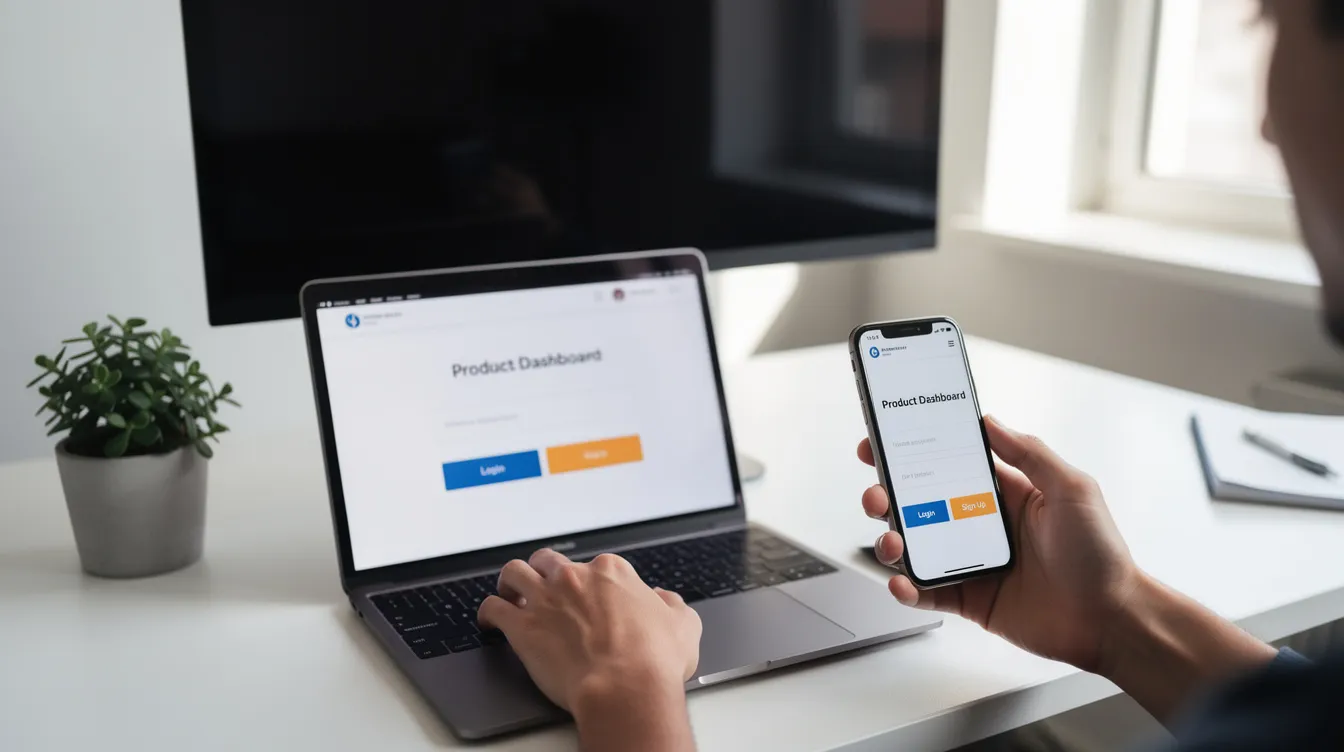
Using AI and no-code tools to speed up your build
AI site builders let you describe the page you want in plain language and get working code back. Instead of dragging boxes around a canvas, you write a short message describing your station, preferred colors, sections you need, and where the player should go. The tool returns HTML, CSS, and basic JavaScript that you can preview and refine.
Claude is one concrete example of a tool that can generate a working page from a written description and iterate on it through chat. You might write: “Create a landing page for a true crime radio station called Nightwatch Radio, dark background, sections for live player, weekly schedule, about, and contact form.” Claude returns a working draft. You ask it to adjust fonts, save spacing on mobile, or add a download link for your podcast feed. Each round gets closer to what you want.
No-code visual builders offer a different path. You drag and drop sections, then paste the Zeno.FM widget player code into an HTML block without touching the underlying code. Both approaches work. Choose whichever feels easier.
Generic integrations can also let an AI assistant read from a station’s existing spreadsheet or calendar to keep a public schedule page in sync with your internal planning file. If your team updates a shared doc with show times, the schedule on your site can reflect those updates without manual copy-pasting.
AI-powered tools can transform live broadcasts into podcast content, and AutoDJ software automates radio programming schedules, so much of the repetitive work is already handled. Radio automation tools help convert live shows into podcasts, saving you the hour it would take to edit and re-upload manually. You can learn more about automating your radio station with these workflows.
Keep guardrails in place. Use simple designs. Avoid copying copyrighted images. Always test the live stream, forms, and navigation after each change. You do not need to understand every line of code an AI produces, but keep backups and document what you deploy. Bugs happen, and a backup means you can roll back in minutes.
Designing for listeners: players, schedule, and mobile experience
Your site exists to deliver sound. Every design choice should make it easy for visitors to find the player, check the schedule, and contact the station.
Place the live player where no one can miss it. A persistent player bar at the top of the page or a large “Listen Live” block on the homepage works well. Zeno.FM streams support HLS, MP3, and AAC formats, which means stable playback on phones, desktops, and smart speakers. Listening to live radio through your site can enhance global reach beyond local broadcasts, because web radio offers a wider variety of stations than AM/FM and anyone with access to the web can tune in.
For your schedule, use clear time zones and simple labels. Repeated daily blocks help listeners know when to tune in. Add now-playing info near the player and simple social follow buttons so casual visitors can connect with your station community.
Design for mobile first. Key principles:
- Large tap targets for play, pause, and navigation
- Readable fonts that do not require pinching to zoom
- No autoplay that clashes with mobile browser rules
- Key CTAs visible without scrolling
- Fast page load, targeting under 2.5 seconds above the fold
Even when listeners find you via CarPlay and Android Auto, a clear website still matters. It is where they go to look up show details, browse charts of your top content, or share your station link with a friend.
Turning your radio station website into a growth and revenue hub
A radio station website is not just a digital business card. It is a platform for growth. Every show page, blog post, or archived episode you publish is another page search engines can index and listeners can discover.
If you are still in the early stages, the guide to starting an online radio station covers the foundation. Once you are up and running, proven strategies for growing your audience help you move from a handful of listeners to a real community.
Revenue follows credibility. Here are practical elements to add to your site:
- A sponsor or advertising page with a simple media kit and contact form
- A donation or membership section for listener contributions (non-commercial radio stations often rely on listener contributions, and many web-only radios do not interrupt programs with advertising)
- Links to premium content or supporter perks
- A page showcasing your programming and audience fit
Sponsors often check a station’s website before making a decision. A professional site that explains your content, audience, and mission makes that decision easier. You can explore different monetization models for internet radio in more depth.
Zeno.FM offers streaming and distribution tools that handle the technical side, and you can review available plans to find the right fit. Over 40 million listeners access audio content monthly via Zeno.FM, so the infrastructure scales with you.
Audience performance can be analyzed to improve content reach. Track which pages get the most visits, which CTAs earn the most clicks, and where your listeners come from. Use that data to refine your site, double down on what works, and create content your audience actually wants.
A solid radio station website paired with reliable streaming infrastructure gives even a small station a professional, sponsor-ready presence. You do not need a massive team or budget to start making money from your broadcast.
FAQ: Common questions about your radio station website
Here are answers to the questions station owners ask most often about websites and streaming.
Do I need a website if my station is already on Zeno.FM?
Your Zeno.FM microsite handles the essentials and is provided free as part of your account. But it lives on the Zeno.FM domain, not yours. A standalone website gives you a custom domain, full design control, and the ability to add sponsor pages, archives, and blog content. The two complement each other: use the microsite for discovery inside the Zeno Radio app and your own site for deeper engagement.
How much does a radio station website cost?
Costs range widely. A domain runs a small annual fee. Hosting or a site builder may offer a free tier or a modest monthly charge. You can start lean and add premium features as your station grows. Many stations launch a clean, functional site without spending much at all.
What pages do I need on day one?
Start with Home (including your live player), Schedule, About, and Contact. These four pages give visitors everything they need to listen, learn about you, and reach out. Add a Shows or Podcasts page when you have enough content to fill it.
Can I put my live stream on my own website?
Yes. The Zeno.FM widget player is a copy-and-paste embed that carries the live stream, station logo, now-playing metadata, and links to mobile apps. No coding required. Paste the embed code into any page on your site and your radio streams are live.
Will a website help me get sponsors?
A professional website builds trust. It gives sponsors a place to review your programming, see your schedule, and contact you directly. Stations without a web presence often struggle to close sponsorship deals because there is nowhere for a potential partner to evaluate the offer.
Your station deserves a permanent home online. If you already broadcast on Zeno.FM, start by polishing your microsite. Then map out a simple, focused website with just the core pages. Every step you take gives your listeners a better reason to come back tomorrow.
August 4, 2026