Automated Radio for Small Stations: A Practical Guide with AzuraCast
If you run a small radio station – community, campus, online, or niche – you already know the pressure of keeping your stream alive around the clock with a handful of volunteers and a budget that barely covers the basics. This guide walks through what automated radio actually looks like in practice and how AzuraCast, a free and open-source tool, can help you sound professional without burning out your team.
Why Small Stations Turn to Automated Radio First
Picture this: you manage a community internet radio station. You have three volunteers, one of whom can only show up on weekends. Your audience expects music, station ids, and a consistent vibe at any hour – but nobody is sitting at the console at 2 a.m. on a Tuesday. This is the reality for most small stations in 2026, and it is exactly why automated radio exists.
Automated radio uses specialized software to manage audio content without constant human intervention. Instead of a board operator manually cueing every song and every ad break, the automation system handles playlist rotation, jingles, promos, and transitions on a schedule you define. Automation allows radio stations to operate 24/7 without live staff, which is the single biggest unlock for stations that can’t afford round-the-clock talent.
The pain points are familiar to anyone who has tried running a station manually. Volunteers burn out from managing playlists by hand. Overnight hours produce dead air because nobody is awake to hit play. Volume jumps between tracks because files were encoded differently. And when someone calls in sick, the whole schedule falls apart. Automation eliminates dead air by ensuring seamless transitions between audio files, which means your listeners never tune in to silence.
Automated radio helps reduce operational costs by lowering the need for live personnel – not by replacing humans entirely, but by letting the software handle the repetitive work so your team can focus on the creative parts. Modern radio automation software can run on an inexpensive VPS using only audio files; there is no need for racks of hardware or a dedicated facility.
Throughout this guide, we will reference AzuraCast as the primary tool. It is the automation software we recommend for independent broadcasters because it is free, self-hosted, and built with small stations in mind. This is not a sales pitch – it is a practical walkthrough of what works and what to watch out for.
From Reel Tapes to Auto DJ: A Short History of Automated Radio
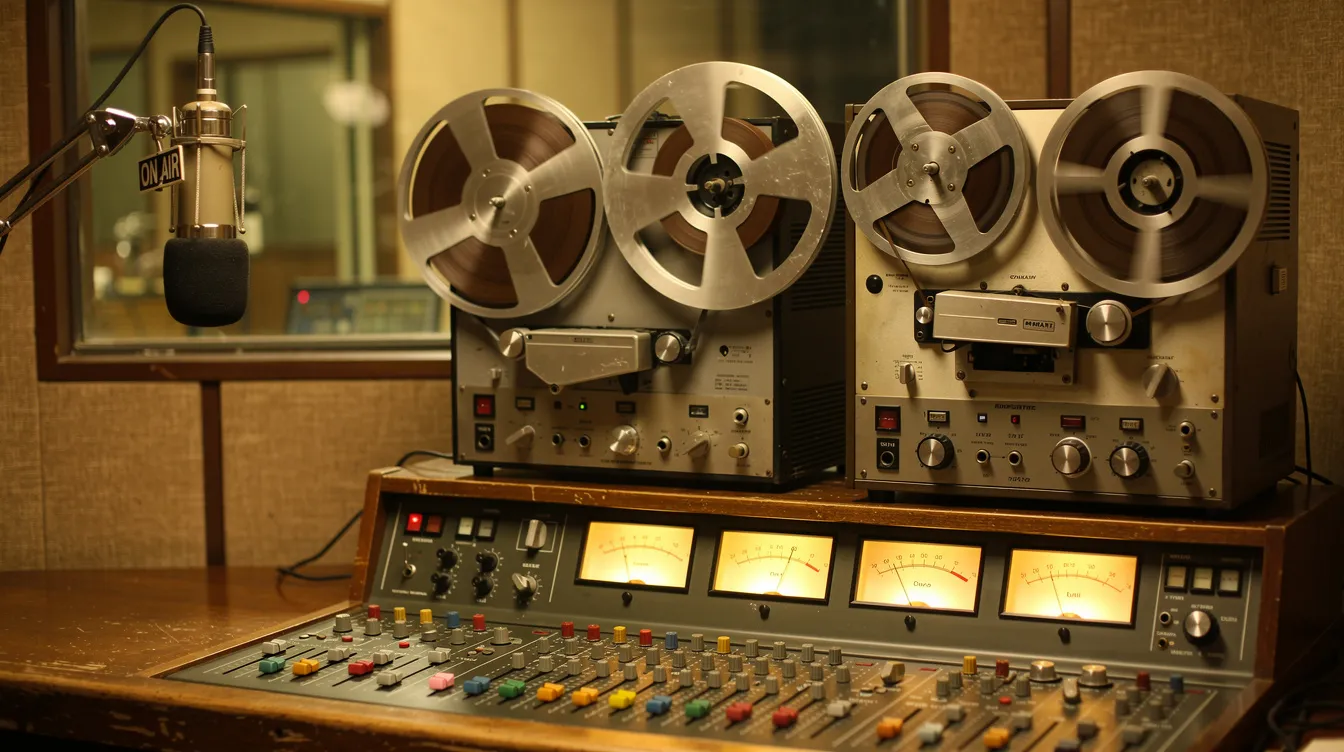
Radio automation is not new. In the 1950s and 1960s, stations used reel tapes, cart machines for jingles, and mechanical relay systems to run programming without a live board operator at every moment. Systems like the Schafer Automation used racks of tape decks and stepped relays triggered by sub-audible tones or DTMF cues. The tapes would physically advance, playing the next spot or song in sequence.
By the 1990s, the world shifted to digital. Hard drives replaced tapes, and stations started managing audio files – WAV, MP3, FLAC – from a computer. The software integrates scheduling and audio management into a digital platform, making it possible for a single machine to handle what once required a room full of hardware. Today, that same concept runs on standard servers, often managing multiple radio stations from one installation. Automation is not cheating – it is a professional practice that has been part of broadcasting for over sixty years.
What Automated Radio Looks Like Day to Day
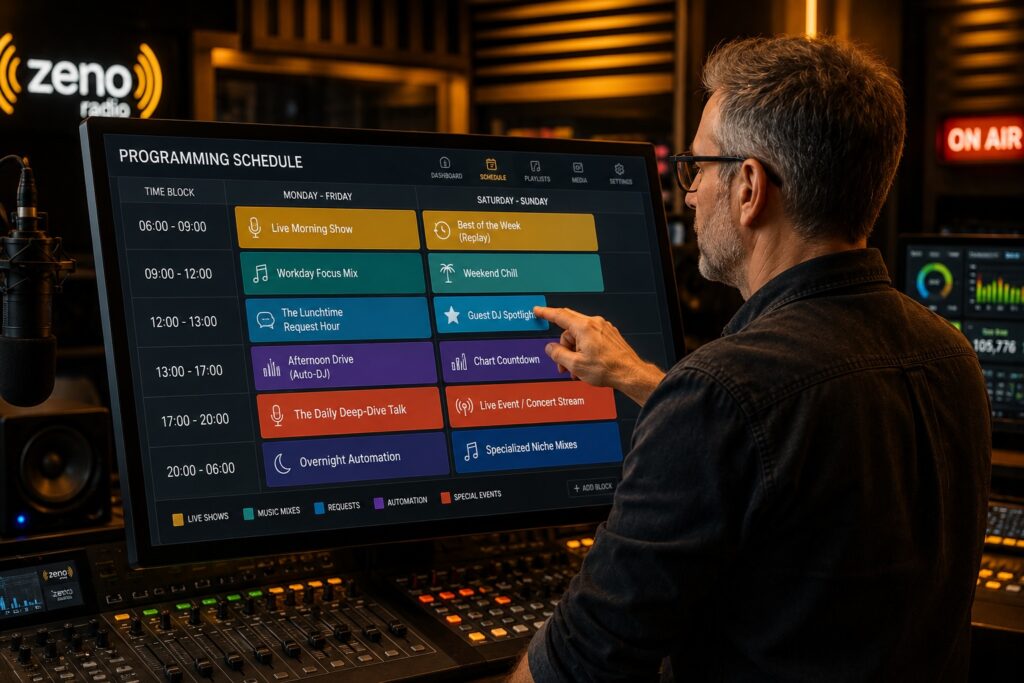
Imagine a small online radio station streaming 24/7 with two volunteers. One hosts a live breakfast show from 7 to 9 a.m.; the other records a weekend music talk show. The rest of the week, auto dj handles everything: music rotation, jingles, station ids, short promos, and sponsor mentions, all scheduled in advance.
Automation allows for better scheduling accuracy of music and advertisements. Instead of hoping a volunteer remembers to play the local business spot at the right hour, the system inserts it at the exact time you set. Automated systems reduce human errors related to content management and sequencing – no more accidentally playing the same song twice in an hour or forgetting a promo block.
The station manager logs in from any laptop, edits playlists, reorders tracks, or skips a song with one tap. Listeners see now-playing information on the public page, browse recently played tracks, and even submit requests that feed into the automated playlist. It feels interactive and alive, even when no human is physically at the console.
Why AzuraCast Fits Independent and Small Radio Stations
AzuraCast is built for community, university, campus, hobby, and niche online radio stations – the kinds of operations where every dollar counts and the team is small.
AzuraCast is a free self-hosted radio automation tool, released under the AGPL v3 license and maintained by volunteers. You install it on your own Linux server or any Docker-capable VPS, and you retain full control over your data, your stream, and your station branding. There are no software license fees and no per-station charges. You only pay for hosting.
The web interface is designed so a non-technical station manager can handle daily tasks – uploading music, building playlists, scheduling shows – after a bit of practice. Cloud radio automation allows broadcasting from any location, so you do not need to be in the studio to keep things running, whether you use self-hosted tools like AzuraCast or hosted platforms such as Zeno’s 24/7 radio automation. AzuraCast works as the main automation system for a web-only station and equally well as a backup for a small FM or AM outlet when the studio is closed.
Core Automation Features Explained in Simple Terms
Here is what AzuraCast gives you as radio automation software, without the jargon:
- Media library: Upload audio files through your browser. Edit metadata (artist, title, album art) right in the interface. No desktop-only local software needed.
- Playlists: Build playlists with sequential rotation (items play in order), random shuffle, or scheduled playlists that only activate at certain times or on certain days.
- Auto DJ via Liquidsoap: The audio engine behind AzuraCast. Liquidsoap acts as the fusion core of the system – it pulls from your playlists, handles smooth transitions, crossfades, and fallback behavior automatically.
- Streaming servers: Supports Icecast and SHOUTcast v1/v2 as frontends, so your web streams are compatible with virtually every player and directory.
- Multi-station management: Run multiple stations from a single installation, each with its own playlists, rules, and stream settings.
- Station branding: Integrate station ids, jingles, sound effects, and short promos into rotations so the station always carries a professional sound.
Browser-based interfaces eliminate local software requirements. Everything happens in your web browser – upload, schedule, monitor, adjust – from wherever you are.
Auto DJ & Voice Tracking: Keeping Your Station On Air 24/7
Auto dj is your default DJ – the one that never sleeps. Inside AzuraCast, it is powered by Liquidsoap, which pulls from your playlists according to rules you set. For example: play three songs, insert a sweeper, three more songs, then a promo. It runs continuously until a live DJ takes over, then picks up again seamlessly when the show ends.
Voice tracking is how you make the station sound live even when nobody is there. A presenter records spoken links – intros, outros, commentary – as regular audio files, and the automation system slots them between songs at scheduled times. Built-in voice tracking features are included in many automation tools, and AzuraCast handles this through its playlist and scheduling system. Voice tracks can be recorded and updated minutes before airtime, giving presenters flexibility without requiring them to be in the studio.
Remote voice tracking enables talent to record from anywhere. Tools like StudioLink Voice Tracking allow remote voice tracking via browser, and multi-market voice tracking enables recording across different locations. Voice tracking can be done without local software installation – a significant advantage when your talent is spread across a city or even across the world.
A concrete example: your evening host records all voice tracks for a two-hour show in twenty minutes the night before. The tracks, jingles, and music are all regular audio files in the library. Auto dj is ideal for nights, weekends, or any off-peak hour when having a live DJ is not realistic.

Live Shows, Web DJ, and Remote Presenters
Automated radio does not mean «no live shows.» It means choosing when to be live and letting automation handle the rest. AzuraCast supports live DJs connecting via standard tools – butt, Mixxx, SAM Broadcaster – to Icecast or SHOUTcast endpoints, the same kinds of encoders covered in guides to powerful tools to broadcast live radio online. WO Aurora enables remote broadcasting without extra equipment, and cloud solutions reduce hardware and real estate costs for stations that want to keep things lean.
The Web DJ feature lets presenters broadcast directly from their browser with microphone and track controls – no extra software required. A volunteer can connect from house or office for a weekly show while auto dj covers the rest of the week.
Each presenter gets their own DJ account with limited permissions, so they can go live and manage their own content without access to global settings. When the live show ends, the system returns to automation automatically – the switch is seamless for listeners.
Managing Multiple Radio Stations from One Installation
Some stations eventually want more than one stream. Maybe a university runs a music station and a campus news station, or a community group wants a main channel and a seasonal holiday stream. Cloud automation supports flexible deployment options for stations like these.
AzuraCast lets you create multiple stations within a single web interface. Each station gets its own playlists, auto dj rules, branding, and stream endpoints. You manage everything from one login, run one update process, and handle one backup routine. The software itself does not add license costs for additional stations – you just need enough CPU, RAM, and bandwidth on your server to support the extra traffic.
Playlists, Clocks, and Scheduling Without a Huge Learning Curve
Some commercial tools offer elaborate visual grids and hour-by-hour clock editors. AzuraCast takes a different approach: you schedule using playlists, categories, and time-based rules. It is less visual but still flexible enough for most small stations.
You can set up sequential rotation (items play in a fixed order), random rotation (shuffle), and scheduled playlists that activate only at certain times or on certain days. For example: weekday breakfast show playlist at 08:00, a news clip at the top and bottom of each hour, a sponsor tag at :15 and :45, and music rotation filling everything in between. For context, some competing tools like NextKast can generate playlists up to 30 days in advance, which is useful for stations that want to plan far ahead.
AzuraCast does not yet have as rich a visual clock editor as some paid suites, which may matter to a large commercial station. But for most independent and small stations, this level of control is enough to maintain a predictable schedule and a consistent on-air sound.
Audio Quality and Achieving a Professional Sound
Consistent loudness and smooth transitions matter more to listeners than an expensive microphone. When tracks jump wildly in volume or a song cuts to silence before the next one starts, your audience notices – and leaves.
AzuraCast and its auto dj handle basic crossfades, intro/outro points, and silence trimming to avoid dead air. Automated systems ensure consistent audio quality across different content types, whether you are playing music, jingles, or voice tracks. Before uploading, normalize your audio files and tag them with correct metadata. Use sweepers, jingles, and beds to brand the station – mix them into playlists so your stream sounds continuous and intentional.
A quick checklist for your library:
- Consistent file formats (MP3 at 320kbps or FLAC for archival)
- Correct artist/title/album tags on every file
- Consistent loudness (use ReplayGain or normalize before upload)
- Clear naming conventions for quick searching (e.g., «JINGLE_StationID_01.mp3»)
Listener Interaction, Requests, and Public Pages
An automated station can still feel interactive. AzuraCast provides public pages showing now-playing information, recently played tracks, and an embeddable player you can drop into any website – WordPress, a custom site, or even share as your station’s main page when you are just starting out, similar in spirit to hosted options like starting an online radio station with Zeno streaming.
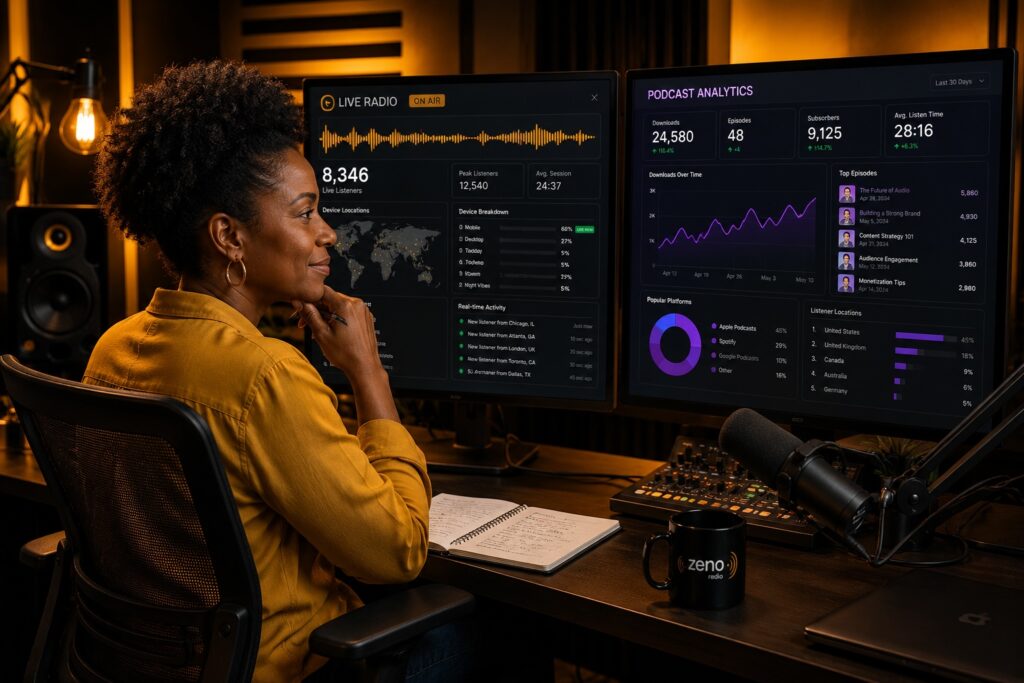
Listeners can request songs through a web form, with rules you define to prevent abuse (cooldown times between requests, limiting to tracks in your library). Built-in analytics show listening hours, unique listeners, and popular tracks, giving you the signal you need to guide programming decisions and understand your audience.
Roles, Permissions, and Keeping Control of Your Station
When you give volunteers access to your station, you want to avoid someone accidentally deleting a playlist or changing the stream URL. AzuraCast offers user roles and granular permissions: admins, station managers, DJs, and read-only accounts.
A typical setup: student DJs can upload audio files and manage their own playlists but cannot touch global settings. The station manager can adjust stream configuration and manage all content. Sub level permissions like these reduce the chance of accidental damage and keep your station stable even with a rotating team of volunteers.
Technical Foundations: Docker, Liquidsoap, Icecast, and SHOUTcast
AzuraCast runs best via Docker, which bundles all components – web app, database, Liquidsoap, Icecast or SHOUTcast – into containers on your server. Think of Docker as a way to install the whole automation system in a consistent, repeatable way on almost any Linux VPS.
Liquidsoap is the audio engine behind auto dj. It manages transitions between playlists, live sources, and fallbacks. Automated failover systems switch to backup content if technical issues occur – so if a live source drops, Liquidsoap falls back to your scheduled playlists like a circuit breaker, preventing dead air.
You do not need to master these tools individually to get started. Default settings are enough for a working station. They are there when you are ready for more advanced custom setups.
Getting Started with AzuraCast: A Practical Roadmap
Here is a high-level path from zero to a working automated radio station, complementing broader guides on how to start your own online radio station:
- Choose a VPS provider – any Linux VPS with Docker support works.
- Install Docker and run the AzuraCast installer.
- Access the web interface and create your first station.
- Configure basics: stream bitrate, format, mount points, station name, and logo.
- Upload audio files and organize them into playlists.
- Enable auto dj and set your playlist rules.
- Check the public page and listen to the stream from a phone or computer.
Start simple: one station, a few playlists, basic rules. Iterate as your confidence grows.
Typical Automation Setups for Different Types of Stations
Campus radio: Automated music runs from midnight to 10 a.m. Student volunteers do live shows from 10 a.m. to 10 p.m. A «Local Artists Showcase» playlist plays every Saturday night. The station manager uses analytics to track which time slots get the most listeners.
Community FM with online stream: The studio is open three evenings a week for live talk shows. The rest of the time, AzuraCast runs auto dj with music rotation, station ids, and pre-recorded breaking news clips at the top of each hour. Voice tracks from presenters keep it sounding live.
Web-only niche music station: A hobbyist runs a retro music stream. Sequential playlists handle themed blocks – «80s Mondays,» «Vinyl Fridays.» Random rotation fills regular hours. No live shows, but voice tracks recorded once a week give it personality. The demo public page doubles as the station website.
Small talk station: Pre-recorded interviews and discussions scheduled in blocks, with music beds between segments. The listen experience feels curated and intentional, even though it runs unattended.
Costs, Infrastructure, and What You Actually Need
AzuraCast itself is free software. Your main costs are hosting (VPS or dedicated server), a domain name, and optional extras, whether you self-host or choose managed services with professional streaming plans for online radio. For a single station with modest listener counts, a VPS with two CPU cores, 2–4 GB of RAM, and enough SSD storage for your music library gives reasonable breathing room. AzuraCast’s scaling documentation covers resource planning in detail.
Running on a home internet connection is possible but risky – data center VPS providers offer far better uptime and reliability. Bandwidth costs scale with your listener count (outgoing bitrate × concurrent listeners), so keep an eye on traffic as your audience grows. Back up your database and media files regularly, ideally to cloud or remote storage.
Many small stations start on modest hardware and migrate later. Starting small does not lock you in.
Learning Curve and Honest Limitations
Daily tasks in AzuraCast – uploading tracks, building playlists, managing DJs – are straightforward after a short learning period. But more advanced customization, especially around Liquidsoap scripting, has a real learning curve. If you want strict dayparting rules or complex rotation logic, you may need to edit configuration files manually.
AzuraCast does not yet provide a very detailed visual programming grid like some commercial radio automation suites. For most small stations, this is not a blocker, but it is worth knowing upfront.
A broader caution: heavy reliance on automation can diminish local programming and community engagement if you are not intentional about keeping human voices and local content in the mix. And as AI tools are increasingly utilized for audience analytics and content generation in broadcasting, ethical and legal concerns arise from the use of AI-generated content in broadcasting – something to keep in mind as these tools evolve. Record your own content, feature local talent, and use automation to support your community voice, not replace it.
How AzuraCast Compares to Other Radio Automation Options
There are several solid tools in the market. Here is an honest look at how they compare:
| Tool | Type | Strengths | Consideration |
|---|---|---|---|
| RadioDJ | Desktop (Windows) | RadioDJ is a free Windows program for radio automation; great for studio PCs | Windows-only, not browser-based or multi-station |
| Mixxx | Desktop (cross-platform) | Mixxx supports Windows, macOS, and Linux for live mixing | Designed for live DJing, not unattended automation |
| PlayIt Live | Desktop (Windows) | PlayIt Live offers drag-and-drop functionality for playlist management | Primarily a local playout tool |
| LibreTime | Self-hosted (web) | LibreTime allows for remote live break-ins and show recording; calendar-based scheduling | Less frequent updates; interface less polished |
| NextKast | Desktop/cloud | NextKast integrates music scheduling, playout, and encoding in one system; supports a large variety of audio types including .mp3 and .wav; NextKast allows remote voice tracking through a browser-based interface | Commercial licensing |
| WO Aurora | Cloud enterprise | WO Aurora was awarded Best of Show at NAB 2026; enterprise-grade features | Built for large broadcasters with big budgets |
| AzuraCast | Self-hosted (web) | Free, AGPL v3, multi-station, integrated auto dj, active community | Advanced customization requires Liquidsoap knowledge |
| Most systems on this list serve different needs. Desktop tools like RadioDJ or PlayIt Live are excellent when you have a dedicated studio computer, but they are not designed for remote control via browser or managing multiple stations from one server. Commercial platforms offer support contracts and advanced grids, but at a cost. AzuraCast occupies a specific niche: free, self-hosted, browser-based, and flexible enough for independent broadcasters who want full control without a large budget. |
Security, Reliability, and Keeping Your Stream Stable
Securing a self-hosted automation system comes down to basics: keep your OS updated, use strong passwords, enable HTTPS, and configure firewall rules. Docker makes updates and rollbacks consistent – AzuraCast’s built-in update tools handle this cleanly.
Monitor your station: check logs, watch listener stats, and use an external uptime monitor to alert you if the stream goes down. Set up a fallback mount point or an emergency playlist so your station always has something to play. Treat reliability as ongoing maintenance, not a one-time setup.
Growing from One Stream to a Small Network
After six to twelve months of running a single station, you might want to add a specialty channel – a «Gold Hits» stream, a «Chill» channel, or a talk-only feed. AzuraCast lets you spin up new stations without installing new software. Share jingles across stations while keeping separate music libraries and schedules.
Use your analytics to decide when a new channel makes sense. If your Saturday night showcase consistently draws listeners, maybe it deserves its own 24/7 stream. Starting small does not limit future growth – it just means you grow deliberately.
Common Mistakes When Setting Up Automated Radio (and How to Avoid Them)
- Badly tagged audio files: Missing or wrong metadata means your now-playing display shows nothing or nonsense. Clean your tags before uploading.
- Inconsistent volume: Not normalizing files leads to jarring jumps between tracks. Pre-process your library with ReplayGain or a loudness normalizer.
- Over-cluttered playlists: Too many promos, not enough music. Your listeners came for the song selection – respect that ratio.
- No emergency playlist: If something breaks, you want a minimal «keep the lights on» playlist so there is never silence on air.
- Giving everyone admin access: One accidental click can take the stream offline. Use roles and permissions to protect your setup.
- Ignoring backups: Your media library and database are your station. Back them up regularly.
Step-by-Step: Planning Your First Week of Automated Programming
Here is a simple template you can adapt:
| Time Block | Monday–Friday | Saturday | Sunday |
|---|---|---|---|
| 06:00–09:00 | Morning music rotation + news clips at :00 | Weekend mix playlist | Weekend mix playlist |
| 09:00–12:00 | Midday rotation + sponsor ads at :15 and :45 | «New Music Hour» (scheduled playlist, 10:00–11:00) | «Local Artists Showcase» (scheduled playlist) |
| 12:00–18:00 | Afternoon rotation + station ids every 30 min | Open rotation | Open rotation |
| 18:00–21:00 | Live volunteer show (Mon/Wed) / auto dj (other days) | Live DJ show | Auto dj |
| 21:00–06:00 | Overnight auto dj – mellow rotation, fewer promos | Overnight auto dj | Overnight auto dj |
| Add a «Requests Block» on Friday evenings where listener requests feed directly into the playlist. Create a few voice tracks for each day – even short ones like «You are listening to [station name], your community’s sound» – and schedule them between songs. This is enough structure to sound intentional without overwhelming your team. |
Where to Find Help, Documentation, and Community Support
The official AzuraCast documentation covers installation, configuration, and troubleshooting in detail. Community forums, GitHub issues, and chat groups are active spaces where users share setups and help each other. As a volunteer-maintained project, responses may not be instant, but they tend to be thoughtful and detailed. Start with the docs, experiment, and ask focused questions when you get stuck.
Deciding If Automated Radio with AzuraCast Is Right for You
AzuraCast makes the most sense when you have a limited budget, want full control over your station, and are comfortable with basic server management – or willing to learn. It is ideal for web-only stations, community radio, campus broadcasters, and anyone who wants to create and broadcast without recurring license fees.
If you need strict regulatory logging, complex ad sales integration, or enterprise-level support contracts, a commercial platform might be more appropriate. But for the vast majority of independent stations, AzuraCast covers what you need.
Try it on a low-cost VPS before committing. Evaluate it on stability, ease of use for your DJs, audio quality, and scheduling flexibility.
Next Steps: Launching Your Automated Station with Confidence
Here is what automated radio comes down to: software that keeps your station on air, sounding consistent, and running on schedule – so your team can focus on the parts that actually need a human touch.
Your first-week action list:
- Set up a VPS and install AzuraCast
- Create one station and upload a starter library
- Build two or three playlists and enable auto dj
- Share the public page link with friends and listen from your phone
- Adjust rotations, add voice tracks, and bring in a live show once things feel stable
You do not need a big budget or a dedicated technical team to run a station that sounds good. Start with what you have, improve as you go, and let the automation handle the heavy lifting while you focus on connecting with your audience.
julio 7, 2026