About
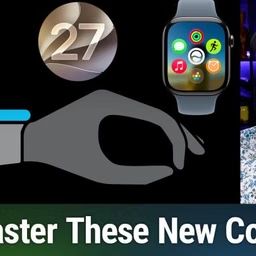
Confused by the Apple Watch's shifting gestures and button functions? Mikah Sargent breaks down the new logic, revealing how a simple mantra can help you master your device's next overhaul.
watchOS 27 overhauls Apple Watch button functions and navigation
Breaking old muscle memory: changes to Digital Crown, side button, Siri
Digital Crown press reveals new dynamic app switcher and app list
Scrolling Digital Crown now brings up the Smart Stack of widgets
Side button revamps: Control Center, Apple Pay, Emergency SOS/Power
Dynamic app grid's recent and context-based app selection
Updated Apple Watch gestures: double tap, single tap, wrist flick for navigation
Quick mantra: press for apps, turn for widgets, side for control, hold for Siri
Host: Mikah Sargent
Download or subscribe to Hands-On Apple at https://twit.tv/shows/hands-on-apple
Want access to the ad-free audio and video and exclusive features? Become a member of Club TWiT today! https://twit.tv/clubtwit
Club TWiT members can discuss this episode and leave feedback in the Club TWiT Discord.